
Speed-to-Lead: How to Text New Leads the Moment They Come In
Speed-to-lead as we wired it for Good People Roofing, from lead in to first touch to signed proposal, and why the handoff is where the money leaks.
Text a new lead as soon as a properly consented form arrives, identify the business and the person responding, confirm what the lead asked about, and ask one easy question that moves the conversation forward. Then alert a human and stop the automation when the lead replies. A fast acknowledgement helps only when the quote, follow-up and opt-out handling are connected to the same workflow.
- Speed-to-lead is not one text. It is the whole distance from "lead exists" to "a person is doing something useful with it."
- The leak is the seam between the CRM creating a contact and a human acting on it. At Good People Roofing that seam was re-typing, days of proposal writing, and follow-up from memory.
- We closed it with a CRM webhook into the proposal builder, satellite measurement from the address, one-click three-package proposals, and automatic nudges until the roof is signed.
What speed-to-lead actually means
Speed-to-lead is the time between a lead existing and someone from your company doing something the lead can feel: a text, a call, a quote. The first touch is the easy part to automate. The gap that costs money is usually the second step, when the lead is in the system but nobody is obligated to act.
Most guides treat this as a stopwatch problem. Send the text faster. That helps. But a fast text followed by a quote that takes days is still a slow sale.
Hi {{contact.first_name}}, this is {{user.first_name}} with [Company]. We received your request about [service]. Is now a good time for a quick call? Reply STOP to opt out.Keep the first message specific to the request. Do not pretend it was typed manually if it was automated, do not stack three questions into it, and do not send marketing copy to a number that only consented to a service response.
The consent record is part of the workflow
- Store the form URL, exact disclosure version, consent timestamp, phone number and lead source with the contact.
- Use a separate SMS checkbox that is optional, unchecked by default and specific about the messages and brand.
- Show message frequency, message/data-rate, STOP and HELP disclosures plus working Privacy Policy and Terms links.
- Suppress future automation immediately when the contact opts out or otherwise revokes consent.
Where the money leaked at Good People Roofing
Before the build, Good People Roofing received leads in text threads, typed proposals over days, and followed up from memory. Every one of those was a seam, and every seam was a place a lead could sit unanswered.
Walk the old path. A lead comes in from an ad. Someone re-types it. Someone spends an hour on a ladder measuring the roof. Someone types a proposal over two to three days. It goes out as a printout. Then someone has to remember to chase the signature, which could take a week. At every step the lead waits on a person, and a person has other jobs.
None of that is a texting problem. It is a handoff problem. The full before-and-after is in the case file.
The seam between "lead created" and "human follows up"
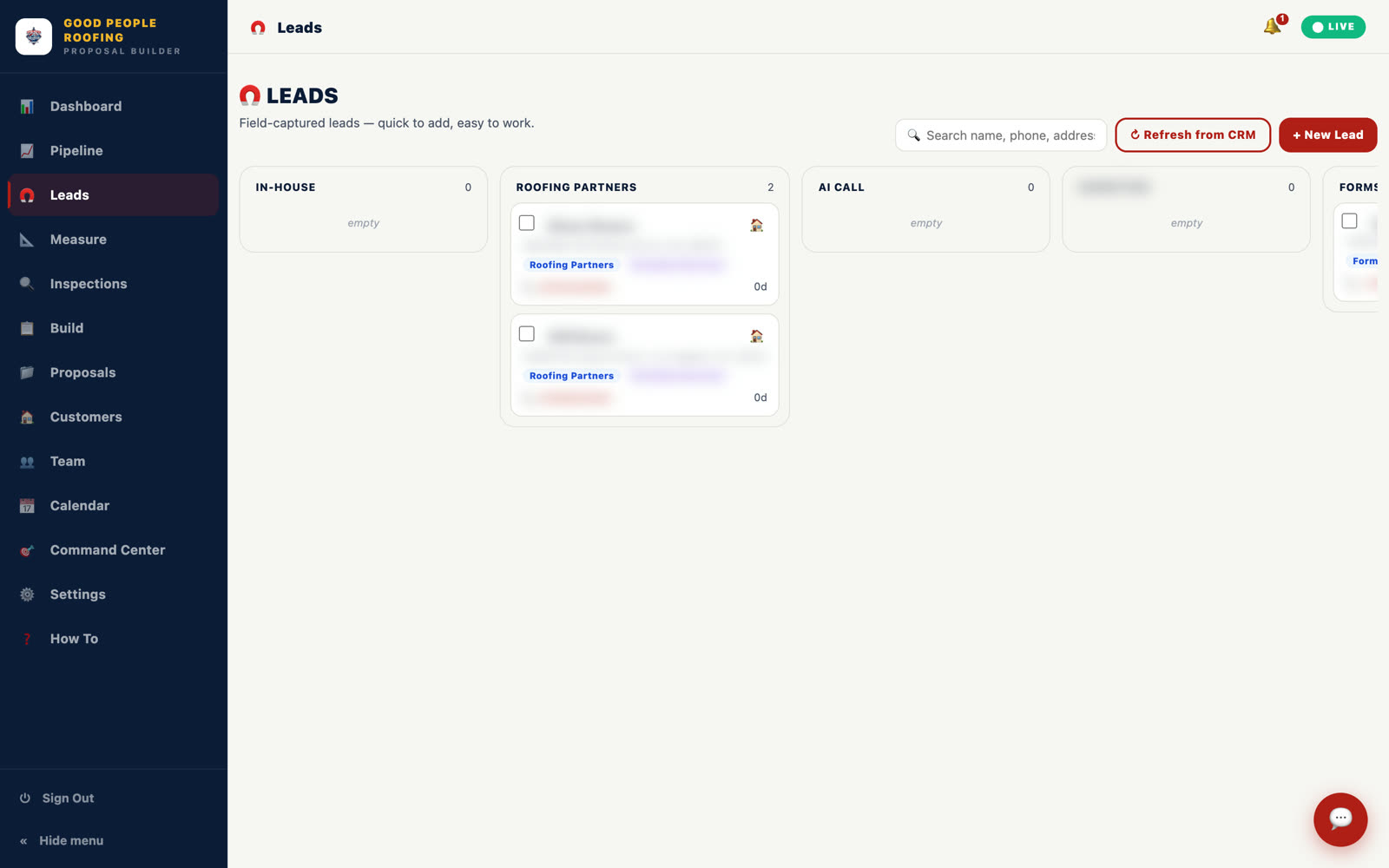
The seam is the moment your CRM has a contact and your team has a task. In a stock setup the contact sits in a list until a rep opens it, re-types it into whatever quotes the job, and decides what to do. We closed that seam by making the CRM push the lead straight into the tool that does the work.
At Good People Roofing, a new lead from the company's ads or site lands directly in the proposal builder through a CRM webhook, with name, phone, and address pre-filled. The rep is one tap from measuring the roof. There is no re-typing, no list to check, and no decision about where to start. The job starts before the first call ends.
That single wire is most of what speed-to-lead means to us. The CRM receives leads and sends texts. It is not a roofing estimator. So the moment it has a contact, it hands the contact to software built for the trade.
How we wired lead in to first touch
The path is: lead creates a CRM contact, the CRM sends the acknowledgement and fires a webhook, the webhook opens a pre-filled job in the builder, the rep measures from the address on the call. Here it is as steps.
From first touch to a signed proposal
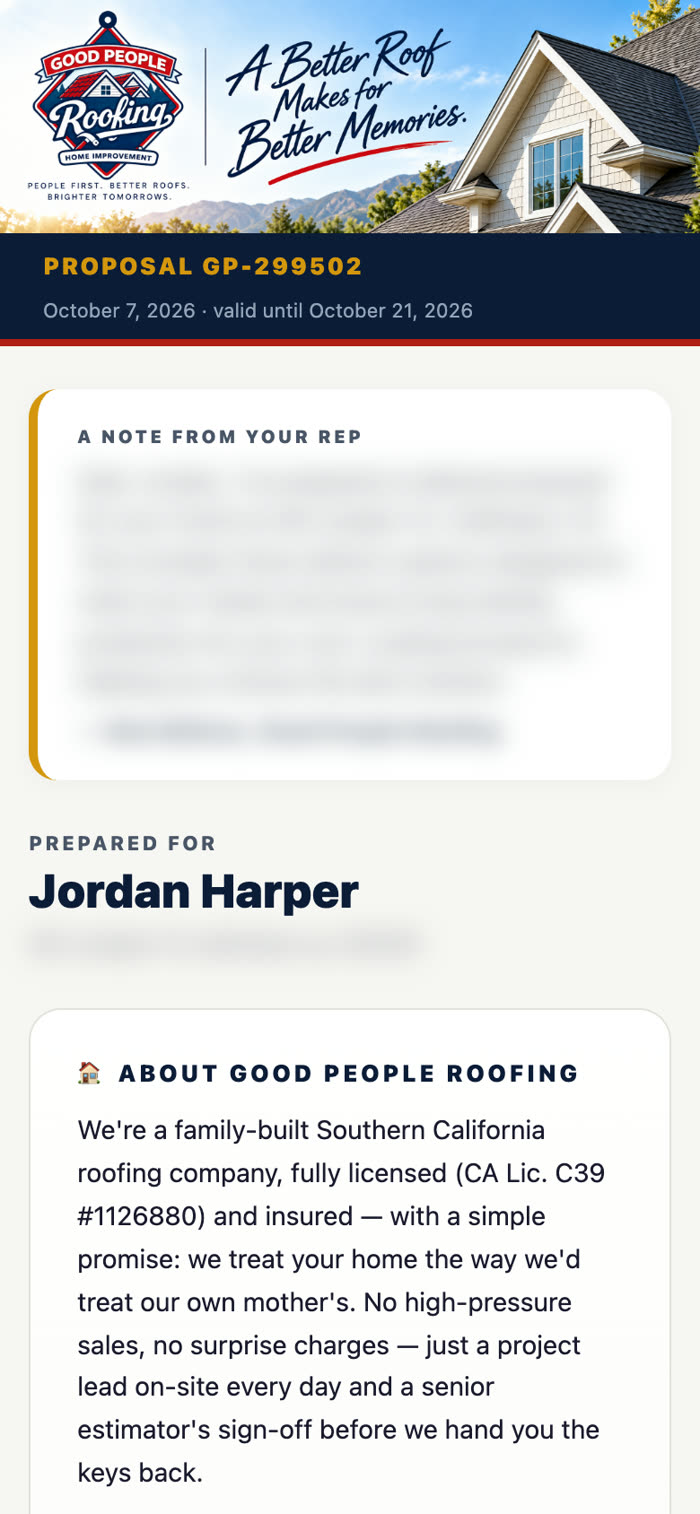
Speed after the first touch is where the deal is won. The homeowner gets a branded page with a personal note from their rep, reviews from their own neighborhood, and every option in plain language, and signs it from the couch with a finger, in English or Spanish.
Behind that page sits a live database of every proposal, draft, viewed, accepted, or expired, with the package chosen and how many times the homeowner opened it. Unsigned proposals get nudged automatically for 14 days and stop the moment someone signs. The command center tells the team what to do next: call now, nudge, or close.
This is the part a stopwatch cannot see. The rep is fast on the text because the CRM sent it, fast on the quote because the builder drafted it, and fast on follow-up because the system remembers. Chasing signatures went from a week to same-day because nothing waited on memory.
What GoHighLevel handled and what needed custom
GoHighLevel handled receiving the lead, sending the first text, notifying the rep, and firing the webhook. Everything that required knowing what a roof is, we built. That is the split we would recommend to any contractor.
| Step | Was | Now |
|---|---|---|
| Lead intake | Re-typing every lead from a text thread | Auto-filled into the builder by CRM webhook |
| Roof measurement | An hour on a ladder | Traced on satellite imagery from the address, confirmed on-site |
| Proposal | Two to three days of typing | One click, three packages, priced by the company's formula |
| Follow-up | From memory | 14-day automatic nudges, stopped on signature |
| Signature | Chased for a week | Signed from the couch, same day |
If your lead flow ends at "contact created," you have speed-to-lead for the first minute and nothing after. The rest is what we build under lead generation software and roofing contractor software.
Want this built for your operation?
Show us the path a lead takes through your company today, from the form to the signature, and we will show you exactly where it waits on a person.
Book a Process Automation Audit →