Her design. Our build.
A studio underneath.
Divina Arrangements is a luxury floral studio in Fontana. Diana designed the look; ParaWav built the store that carries it — collections, hat boxes, baskets, bouquets and seasonal shops, a card-message library on every product, gift cards, a rewards circle, occasion reminders by text, a home subscription and a blog — and a Studio back office that runs orders, deliveries, products, clients and automations without a line of code.
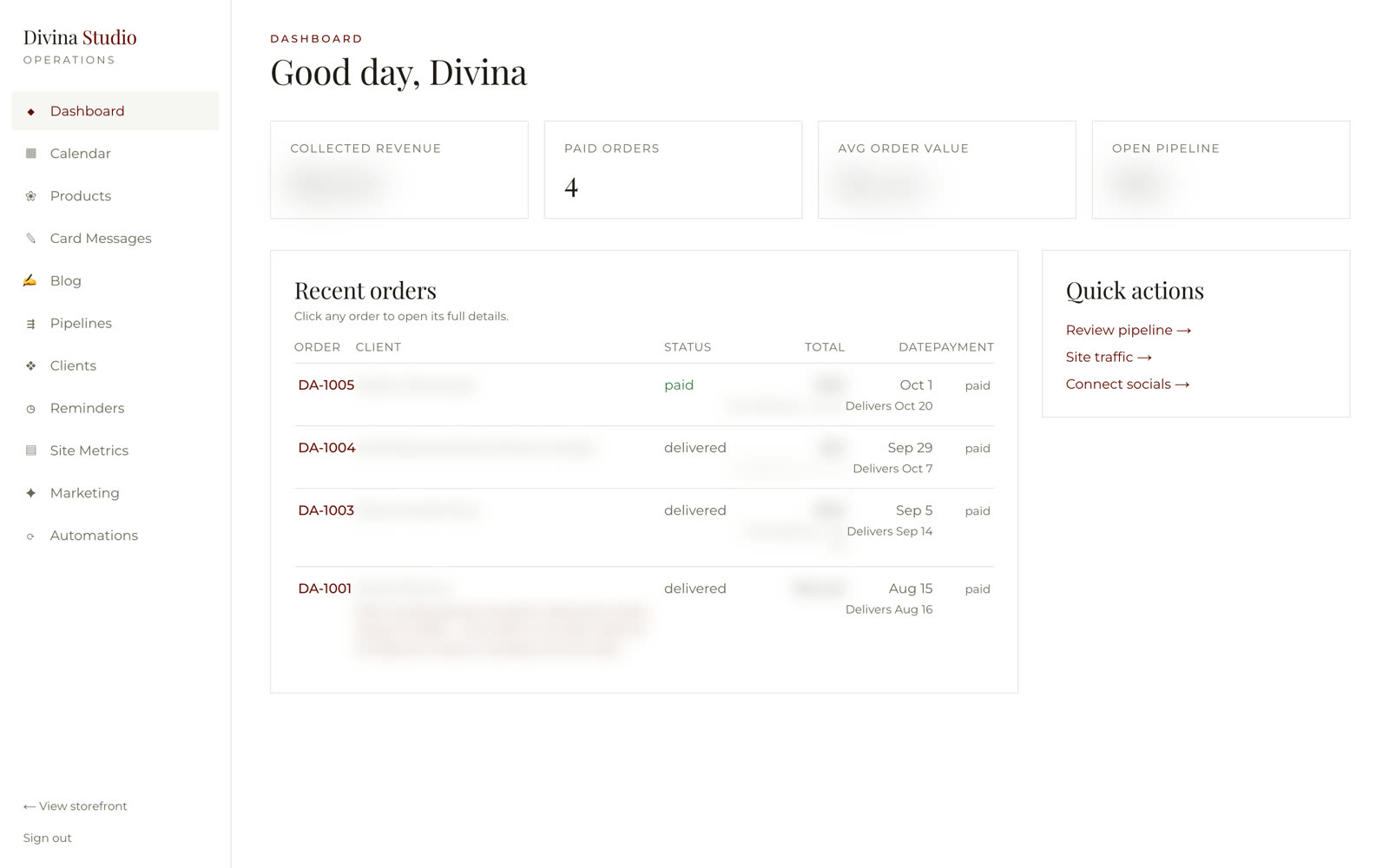
Real product · live in market · customer names and figures blurred in the Studio
A funnel-builder site. Orders by message. Every occasion remembered by hand.
Then she got a store —
and a studio to run it.
Forty pages,
one luxury voice.
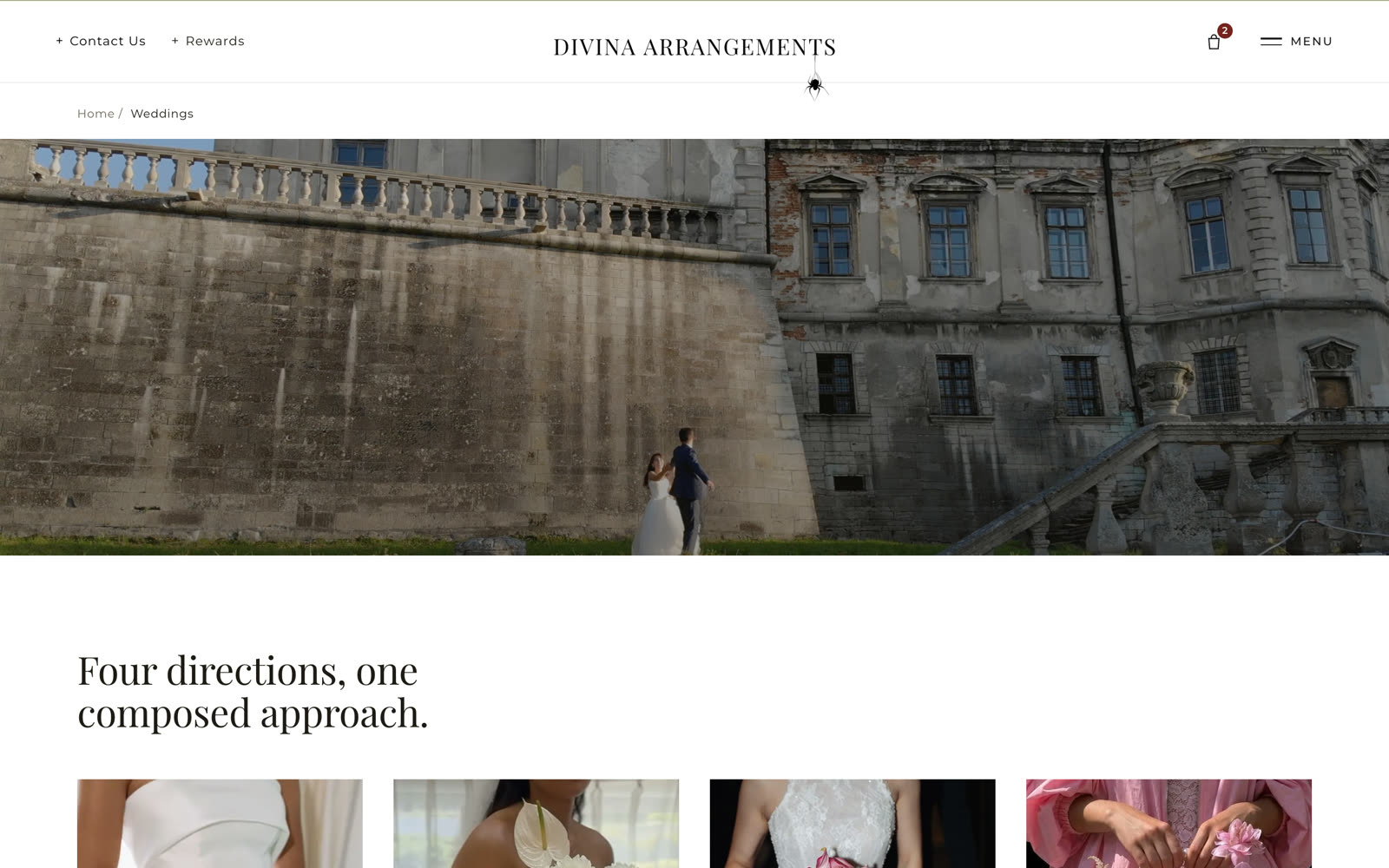
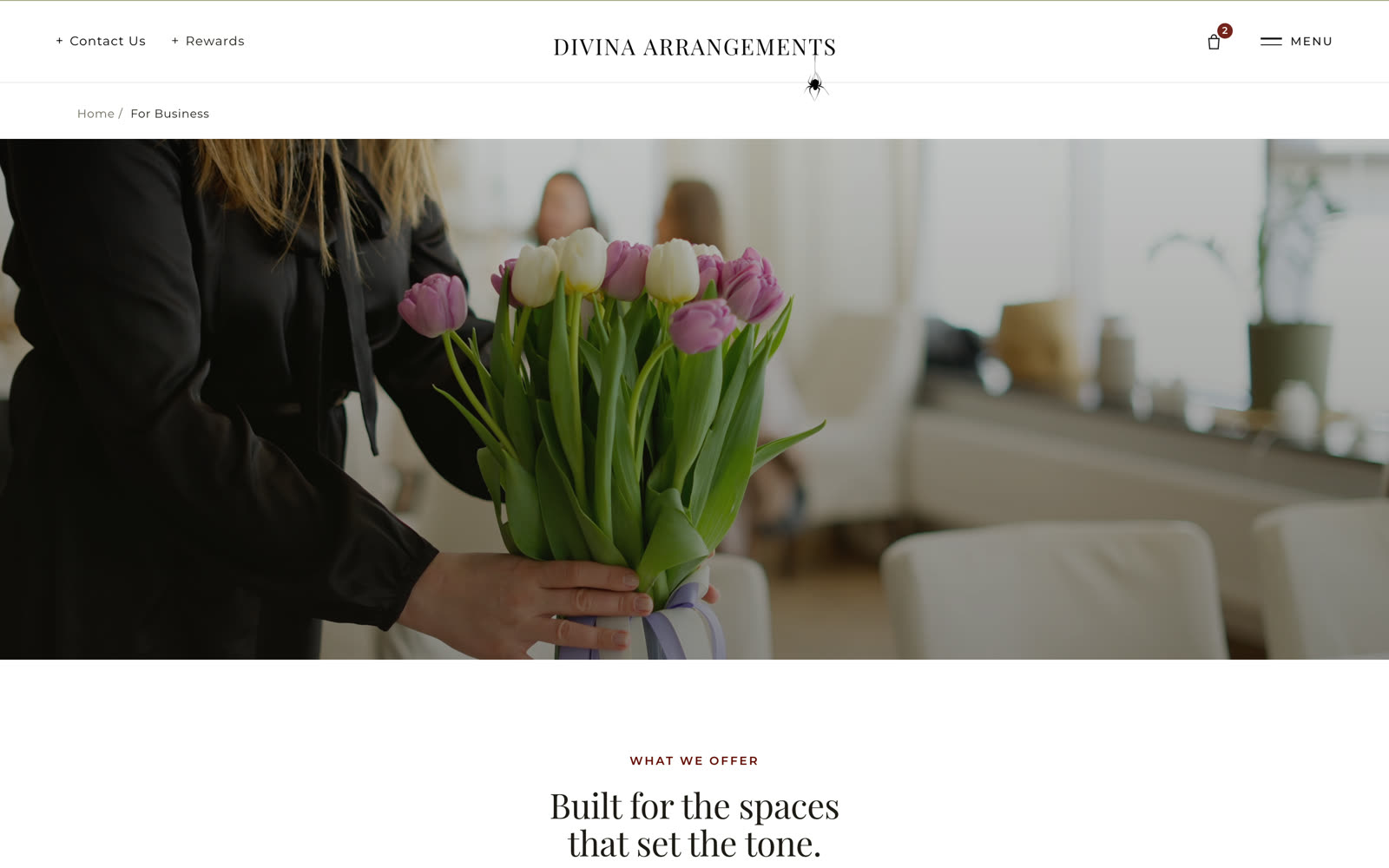
Home, collections, every shop and seasonal page, product pages, gift cards, the rewards circle, reminders, home subscription, blog, care guide and contact — Playfair and Montserrat, ink and maroon, her photography. It reads like a boutique because it is one.

Every arrangement
belongs somewhere.
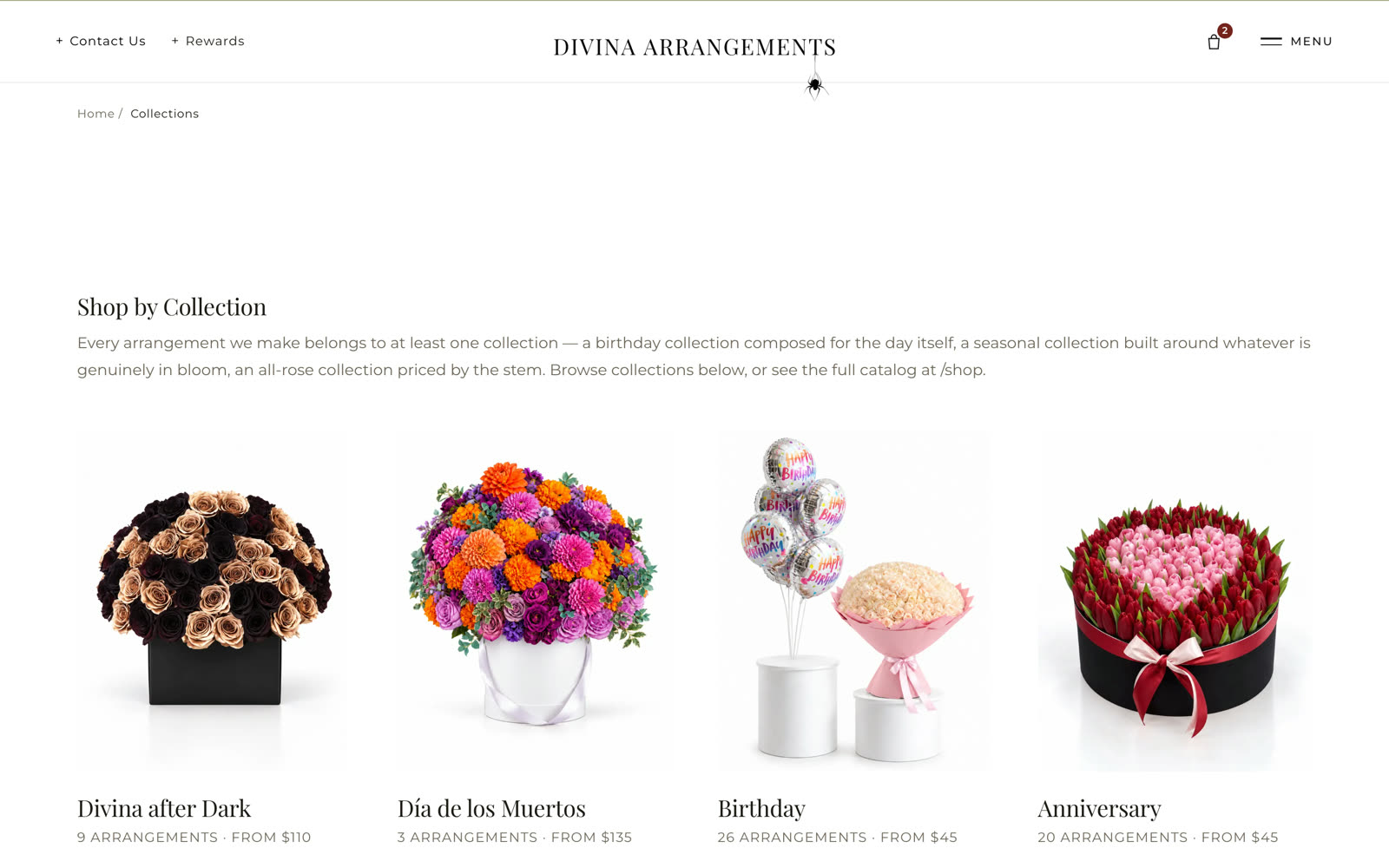
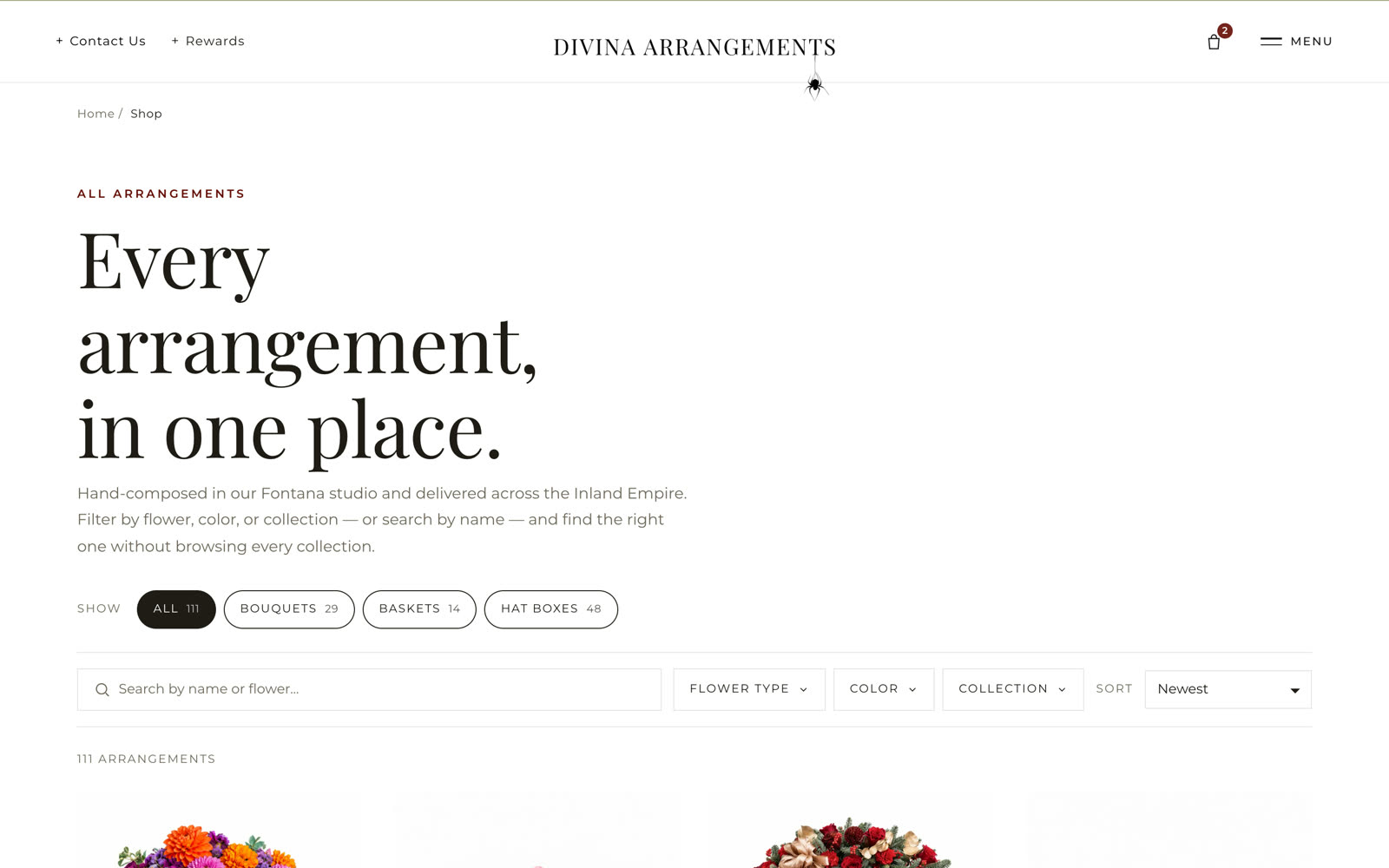
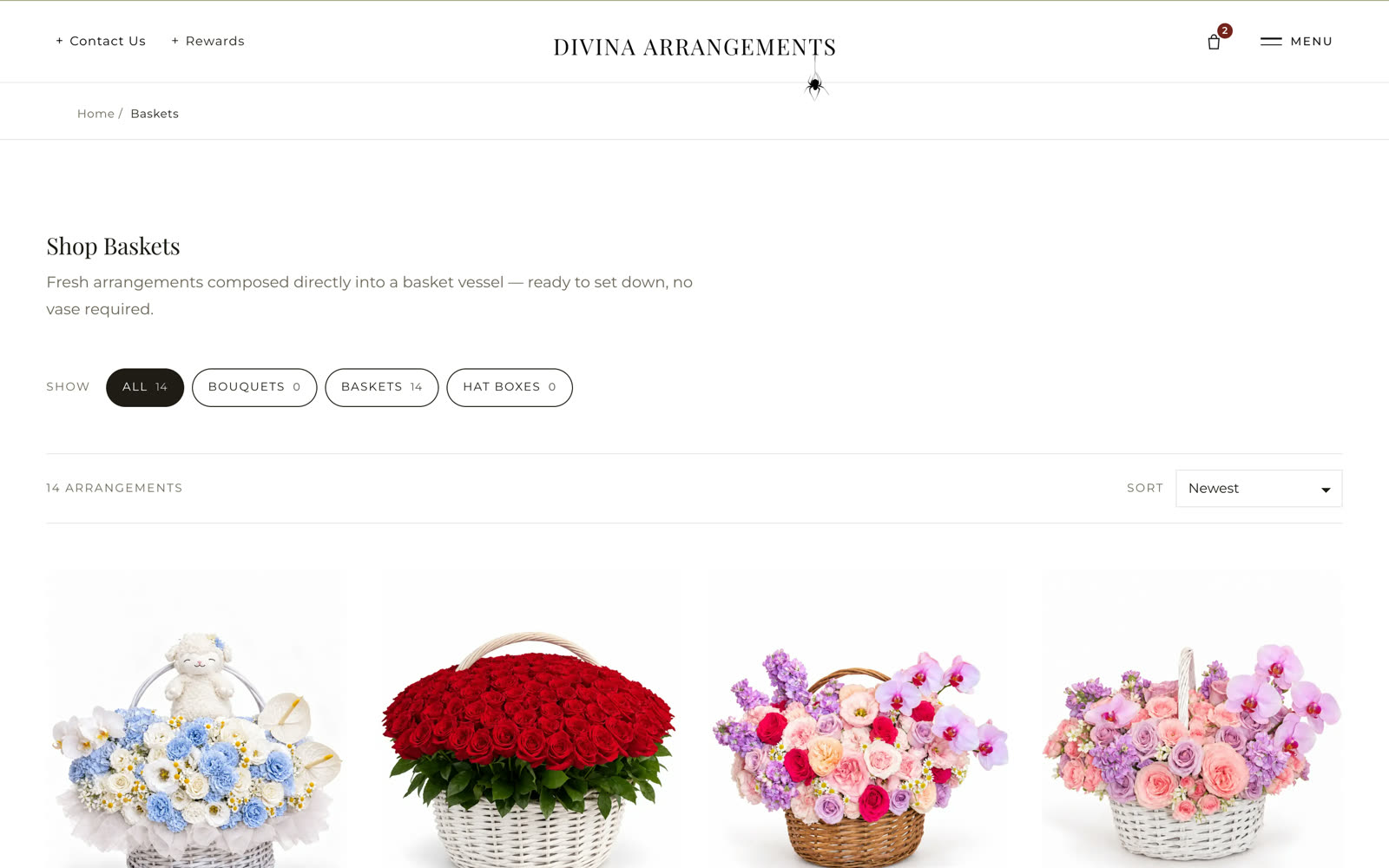
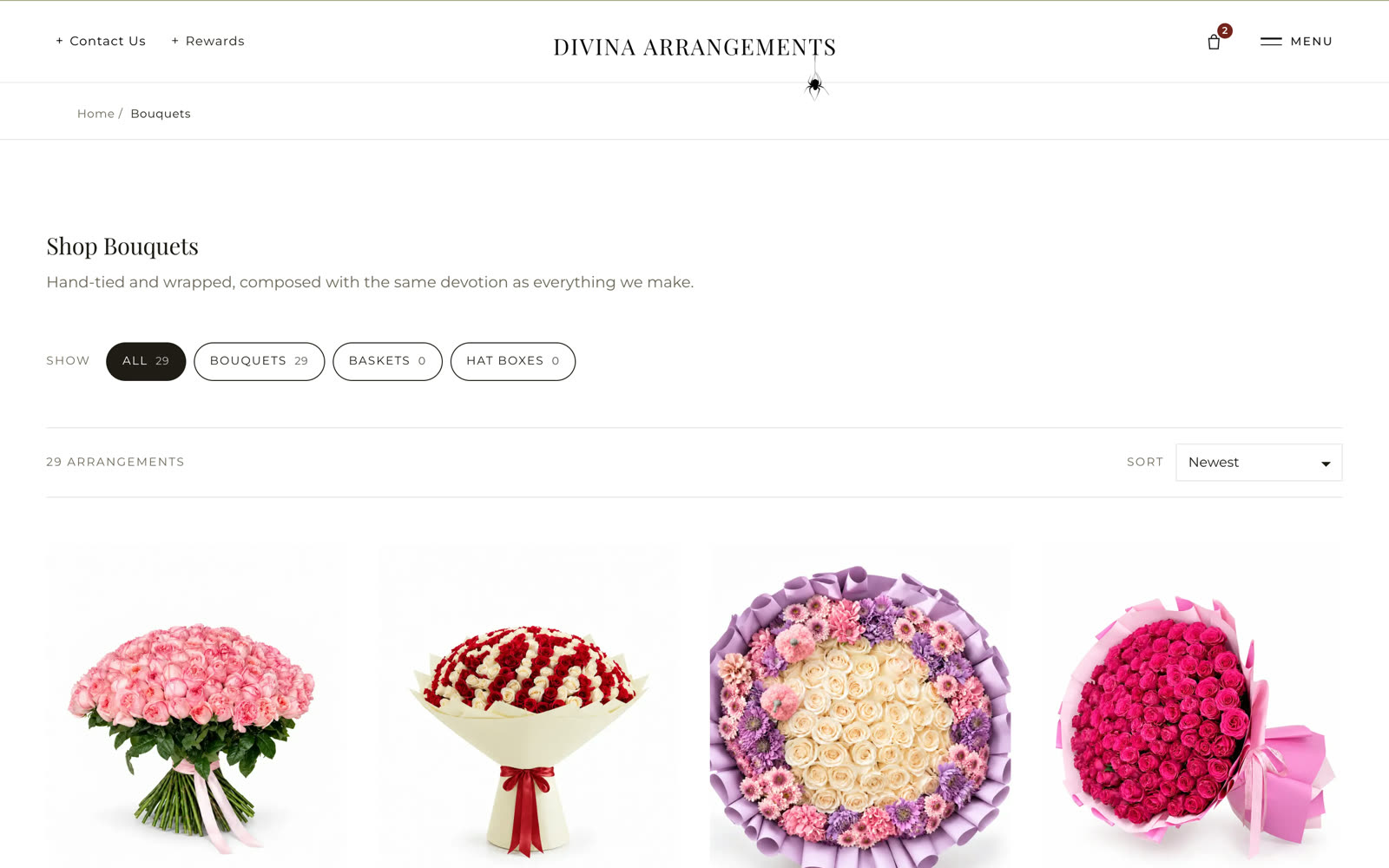
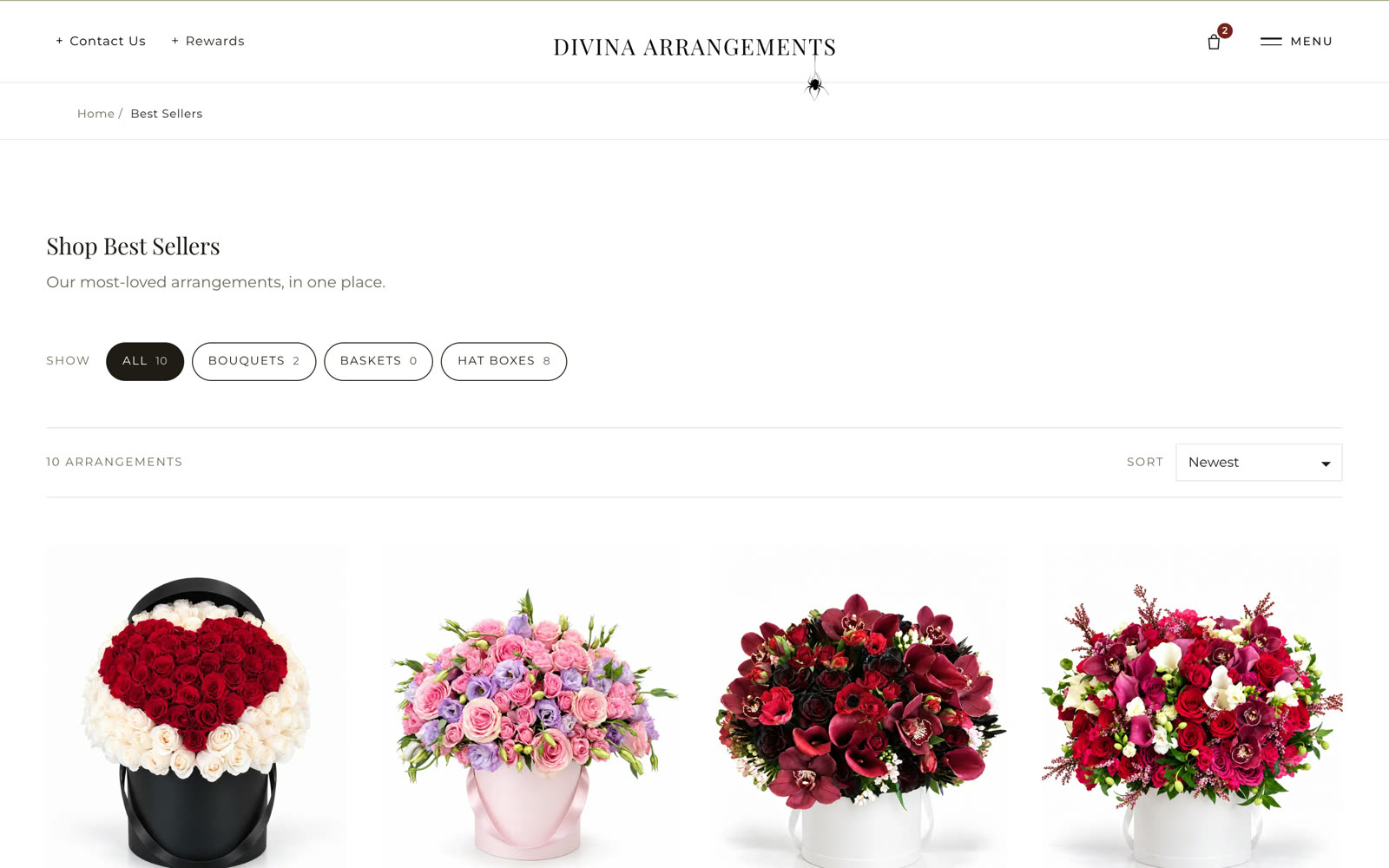
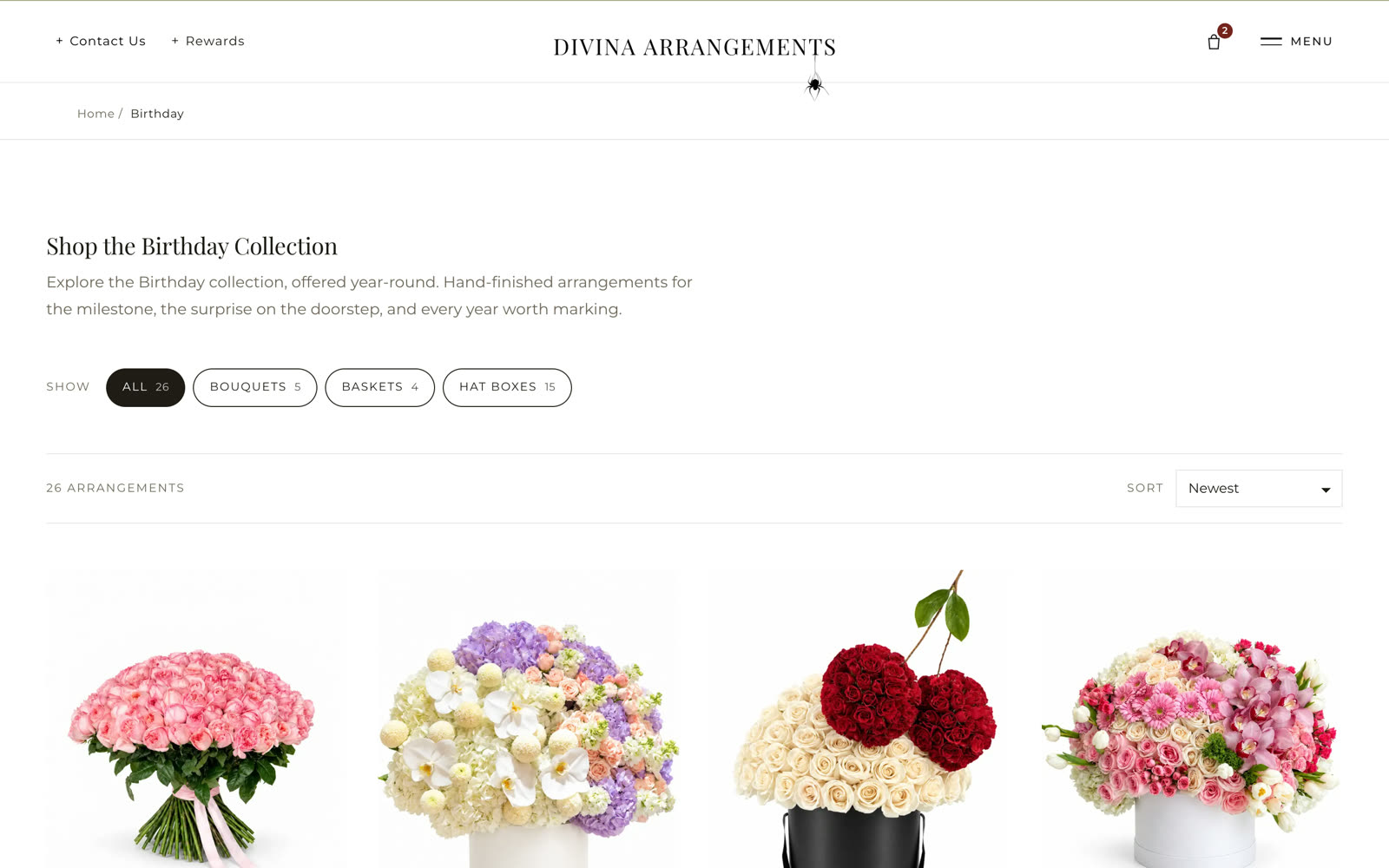
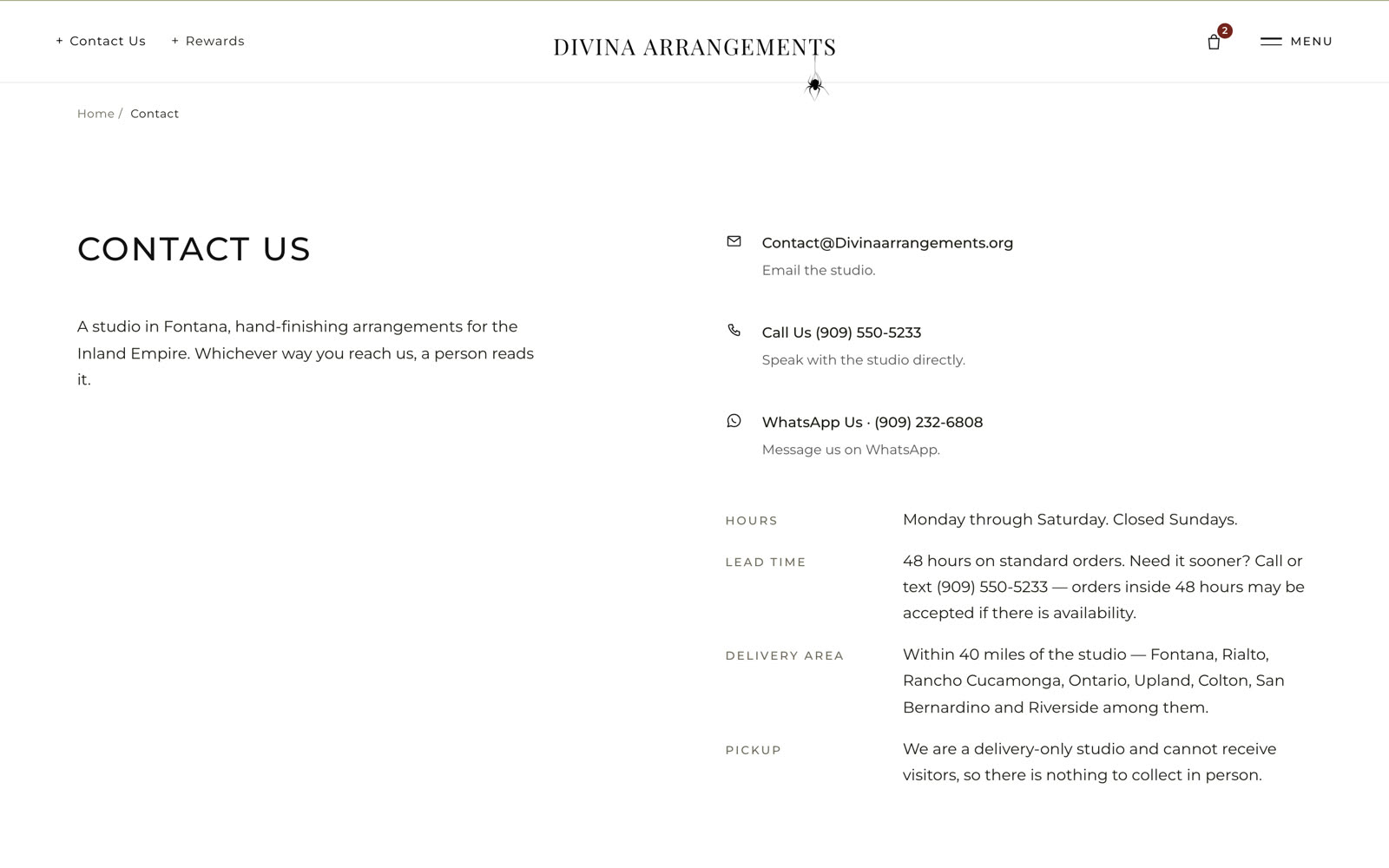
Shop by collection — birthday, anniversary, the season in bloom, all-rose — or see the whole catalog with filters by flower type, color and collection and a search by name. Every page states the count and starting price, so a shopper knows the range before the first click.
Was a gallery of photos → now a catalog with collections, filters and searchA card message,
a reminder, a schedule.
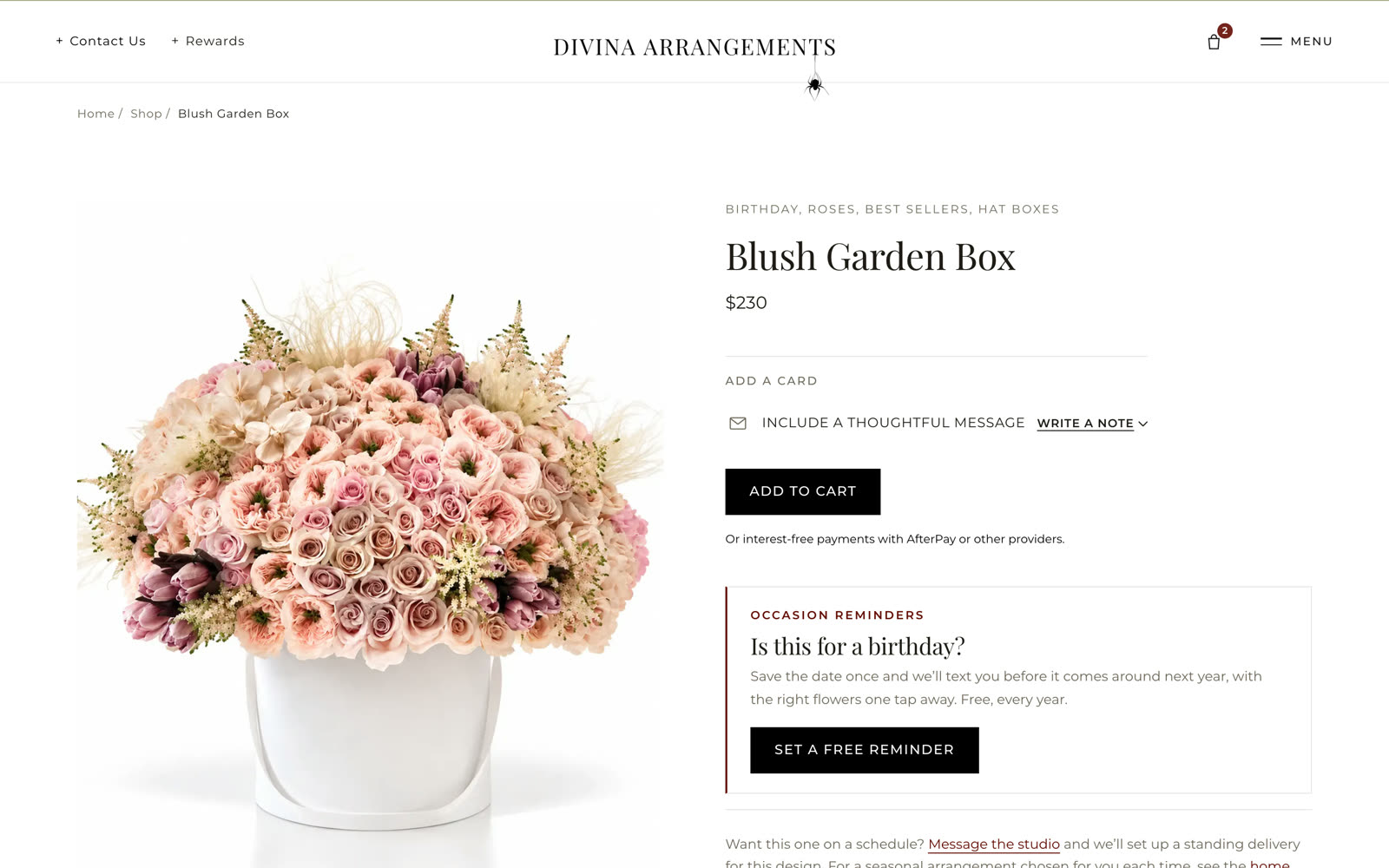
Price and add to cart, then the touches that make a florist's sale: a library of note-card messages to pick from or edit, a free occasion reminder for next year, and a link to put the design on a standing delivery. Rose boxes take a count — 25, 50 or 100 — and monogram boxes take a letter.
Was "text us what you want on the card" → now chosen on the pageHat boxes, baskets,
bouquets.
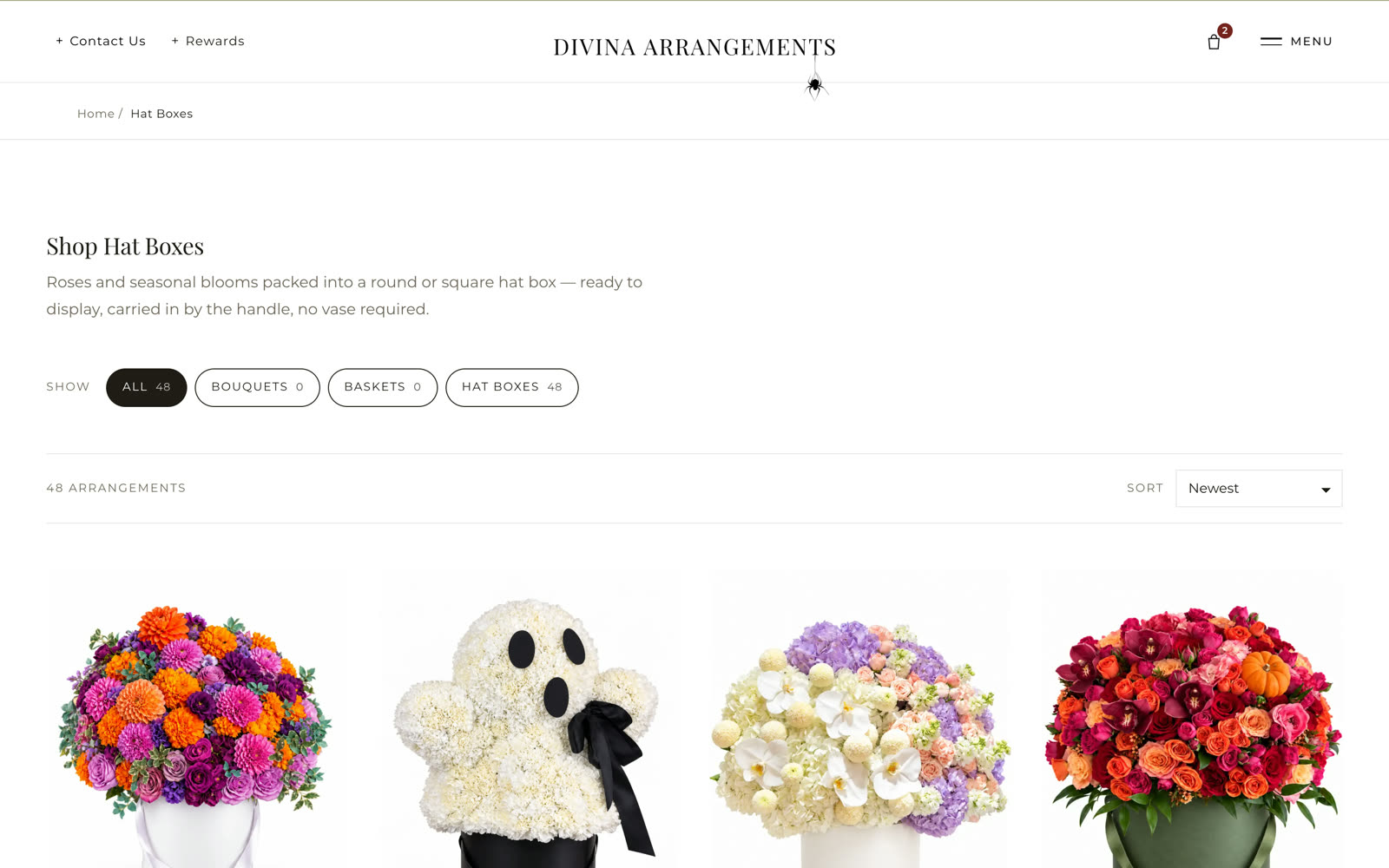
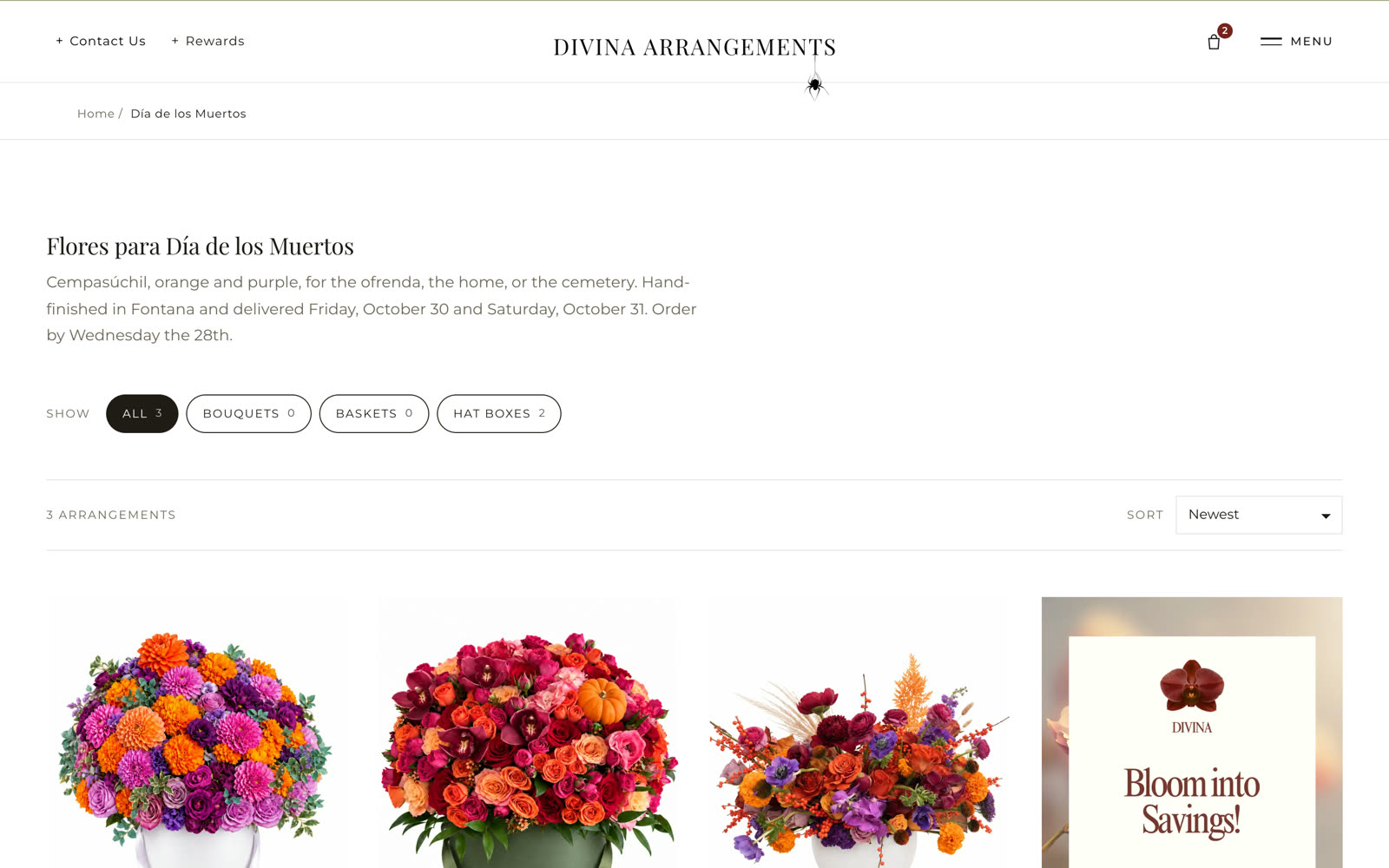
The three ways an arrangement arrives, each with its own shop and its own count — 48 hat boxes on the day of capture — and each product tagged into every collection it belongs to. Seasonal shops like Día de los Muertos carry their own delivery dates and ordering cutoff in the headline.
Was one long page → now a shop per vessel and per seasonA real cart,
a real checkout.
Lines with the chosen card message, a running subtotal, delivery within forty miles of the studio and a date that books a real slot on the delivery calendar. Card payments run through the payment processor; the order lands in the Studio the moment it is placed.
Was a form that sent a message → now an order with a delivery slot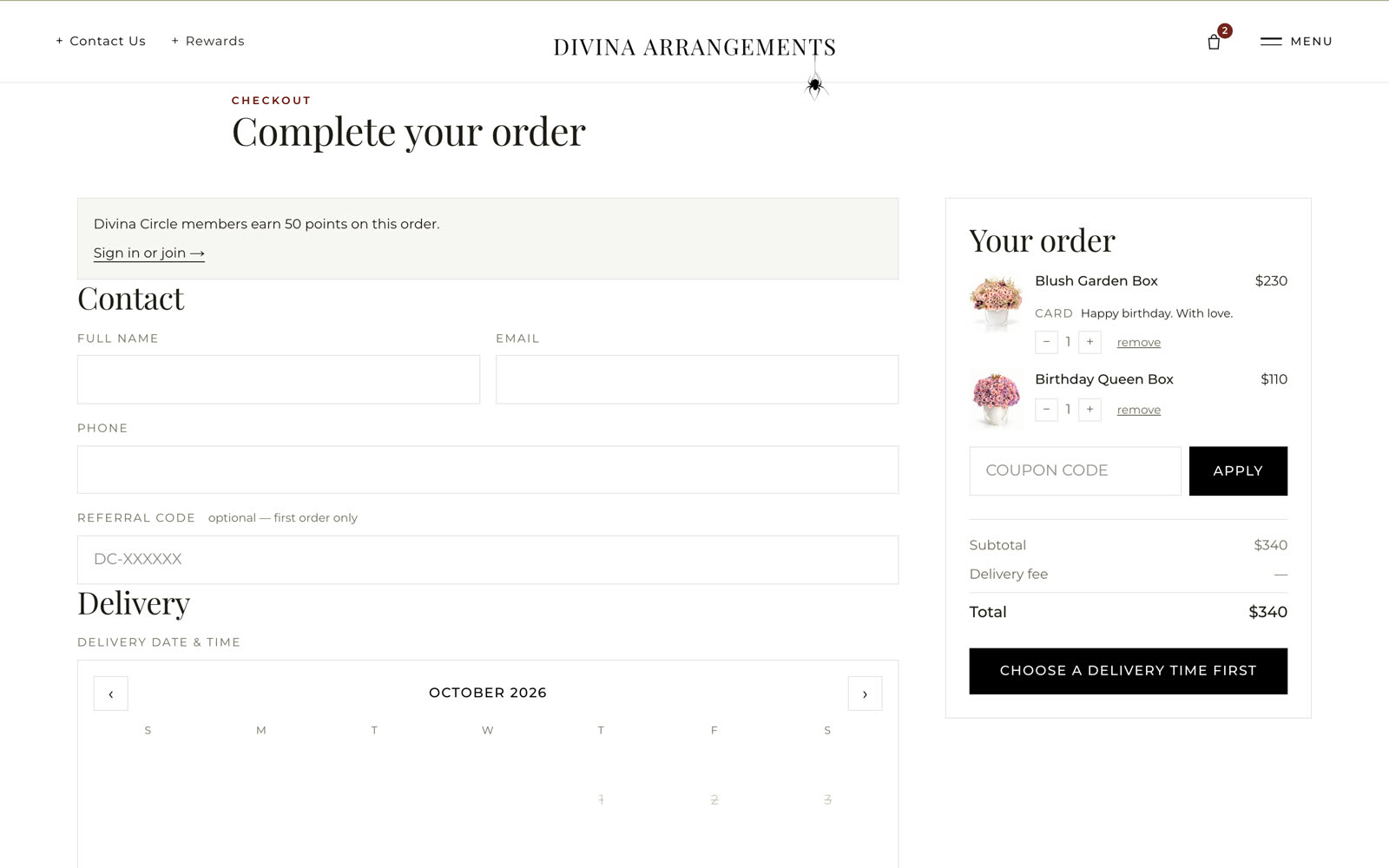
Never miss a date
that matters.
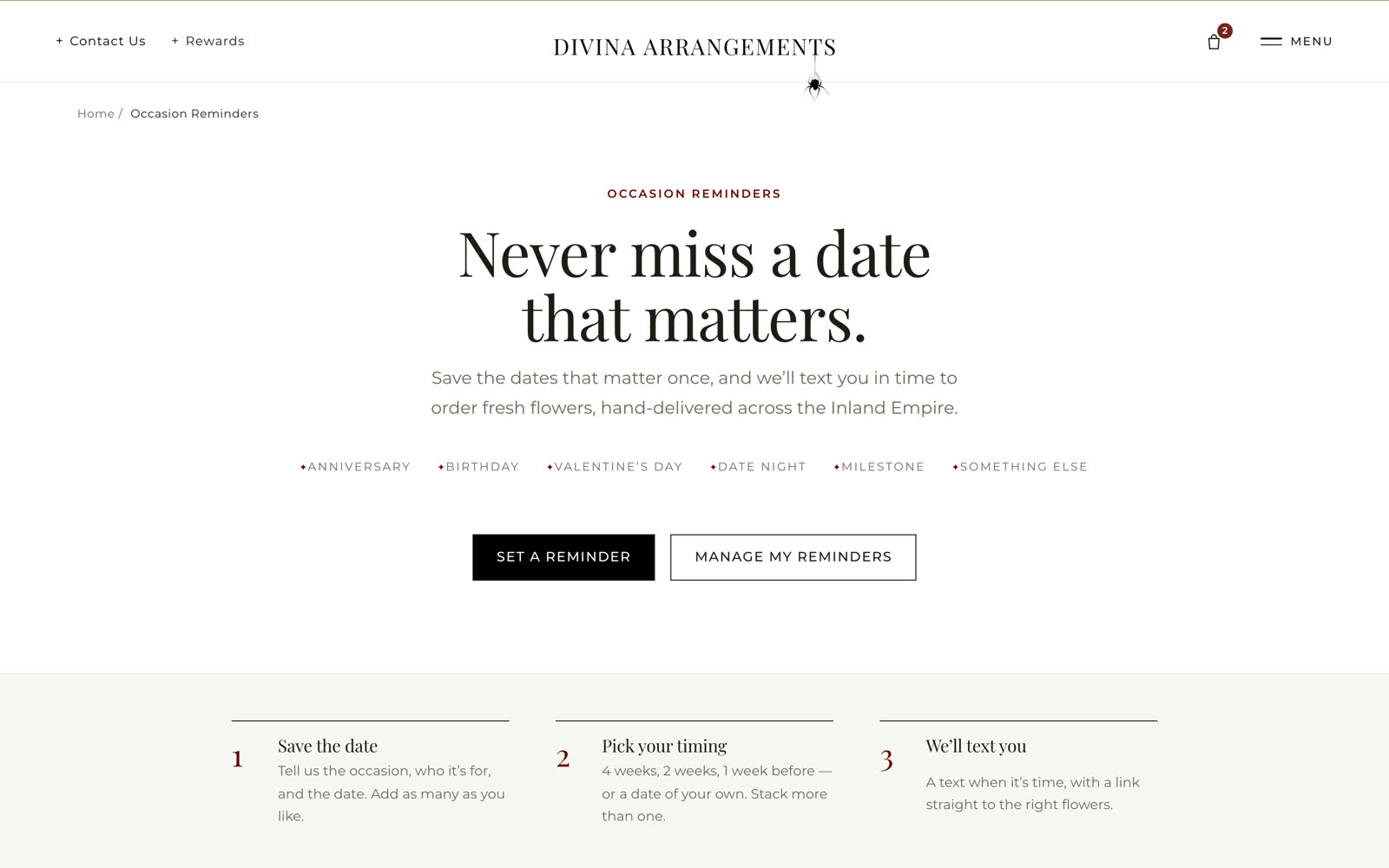
A customer saves the dates that matter once — anniversary, birthday, date night, milestone — picks four weeks, two weeks or one week before, and gets a text in time with a link straight to the right flowers. Free, every year, and the florist's best repeat-order engine.
Was a customer remembering → now a text from the studio, in timeThree reasons
to come back.
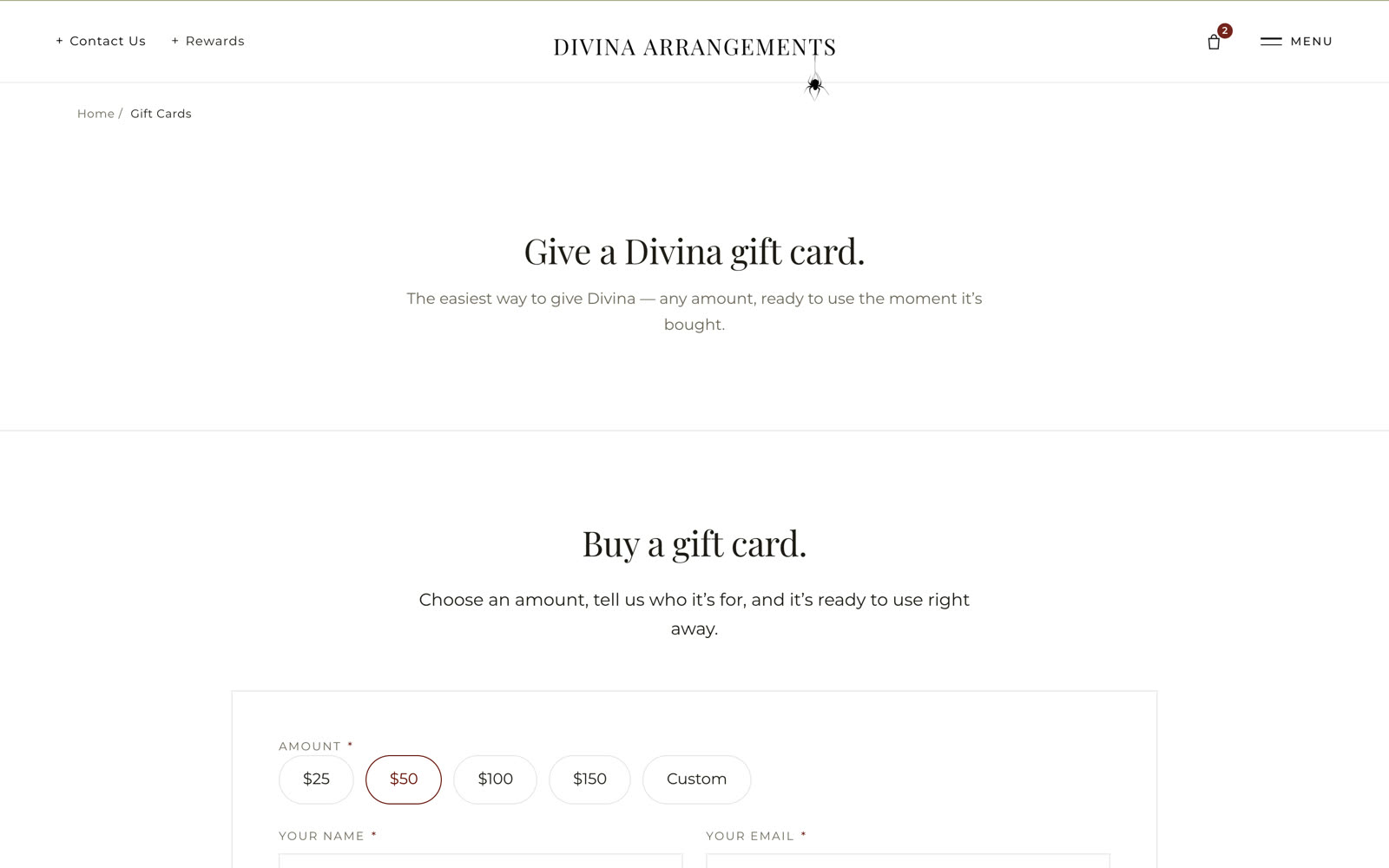
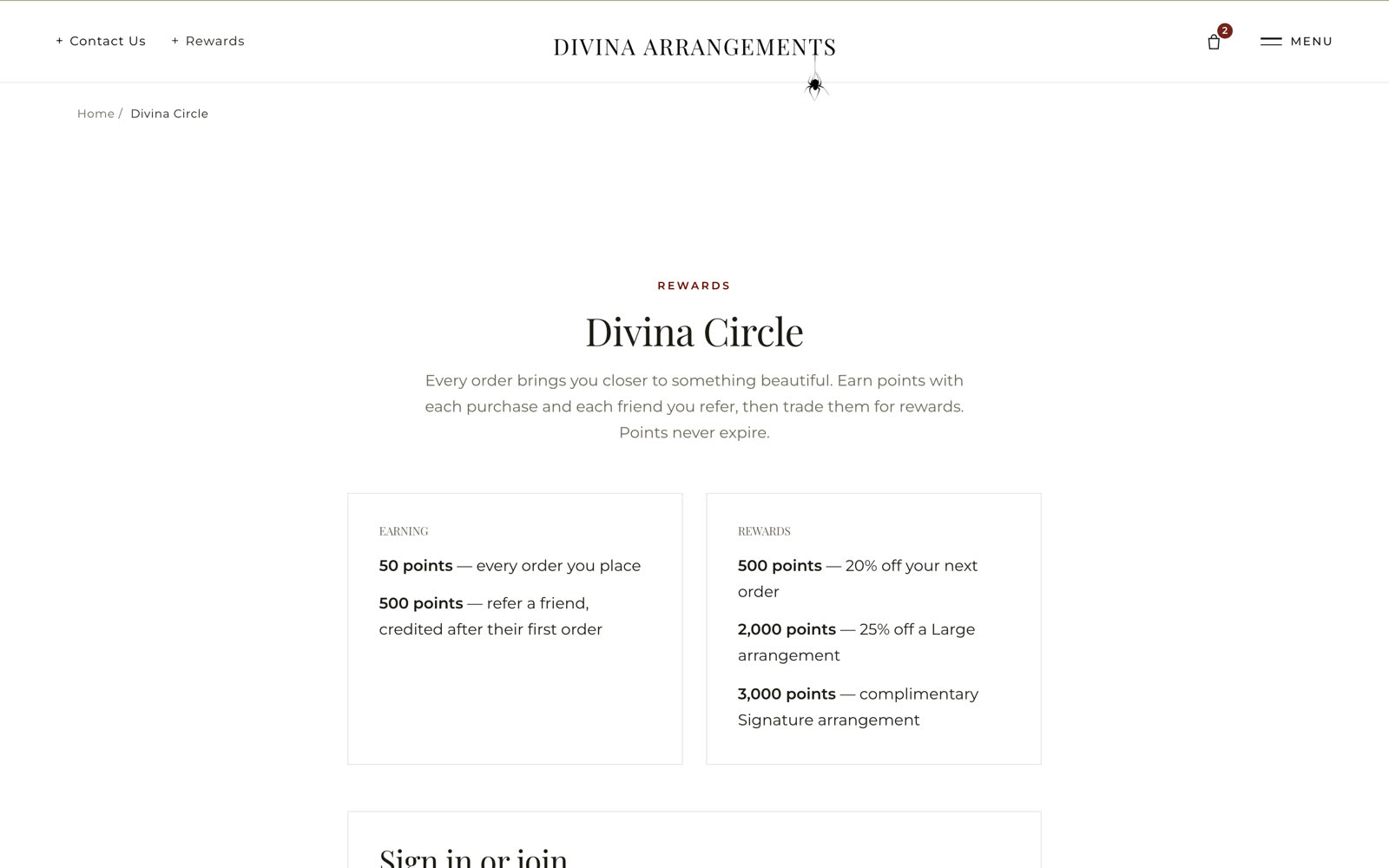
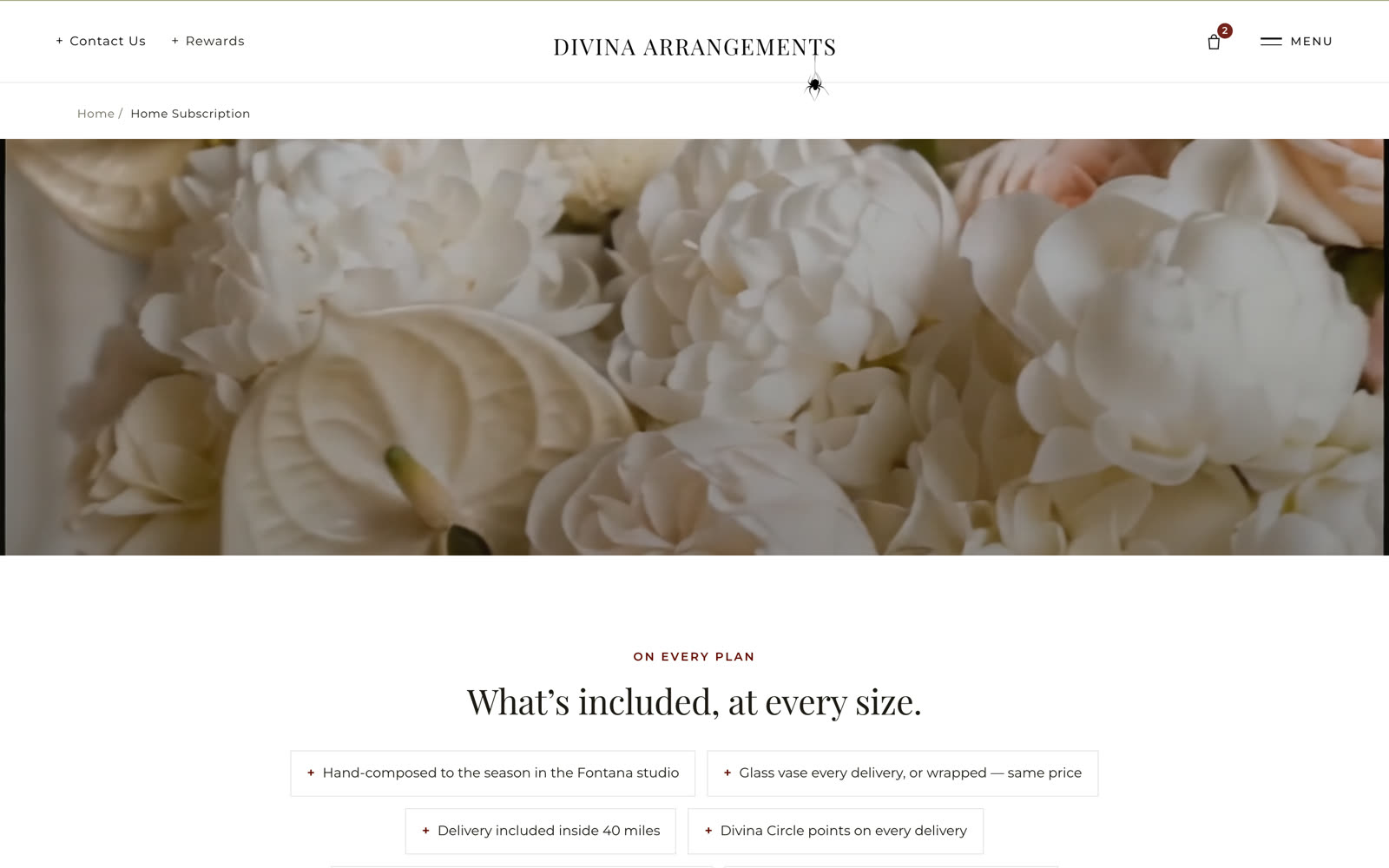
Divina Circle earns points on every order and every referral and spends them on the next one. Gift cards are bought in a minute and ready to use the moment they are paid for. A home subscription delivers the season to the door on a plan, with the glass vase or the wrap at the same price.
Was a one-time purchase → now a circle, a card and a planNotes on flowers,
from the people who arrange them.
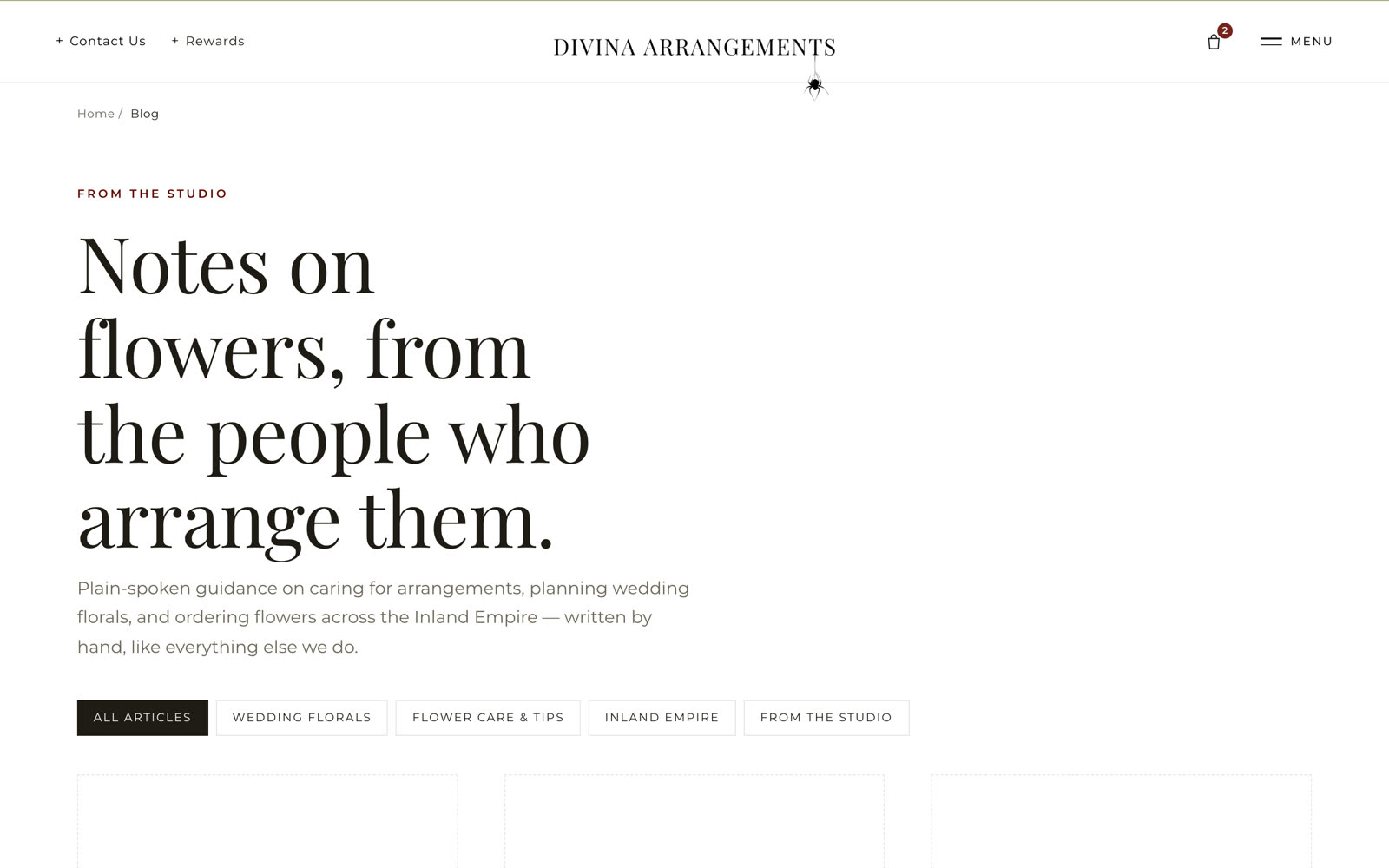
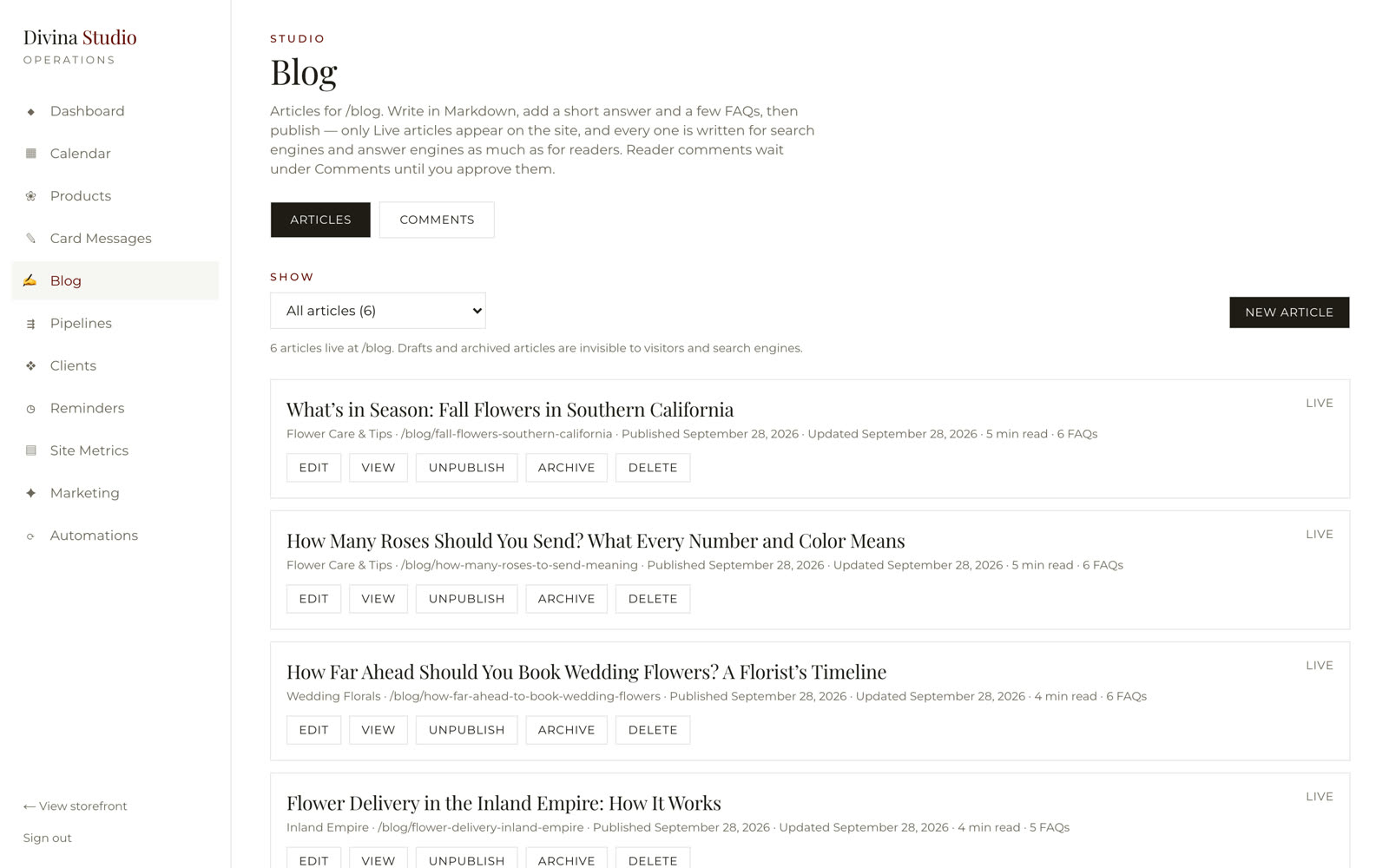
Plain-spoken guides — how many roses to send, how far ahead to book wedding flowers, flower delivery in the Inland Empire — written in the Studio in Markdown with a short answer and a few FAQs on each, so search engines and answer engines find the studio before the chains do.
Was no reason for Google to visit → now a studio that publishes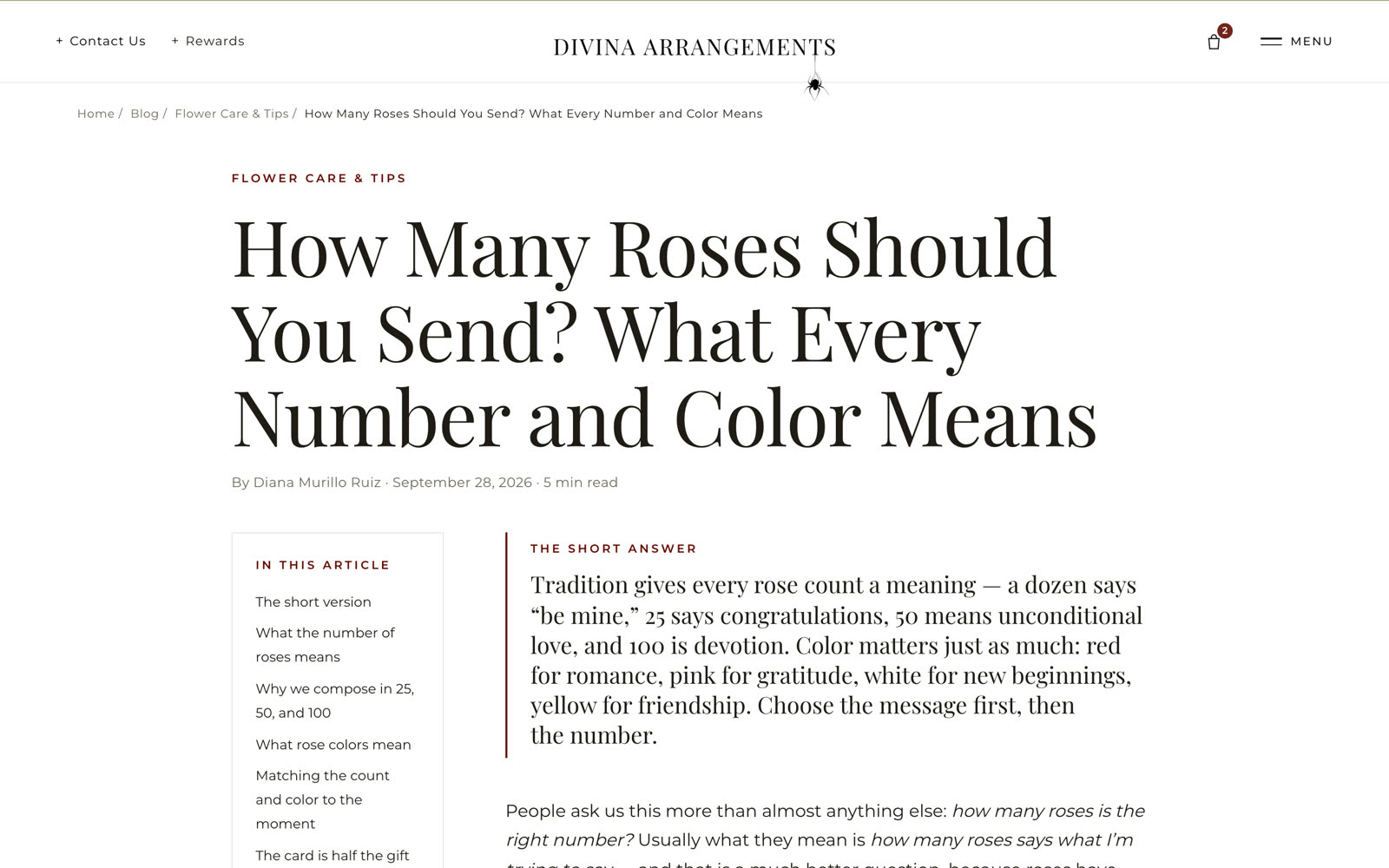
Built for the phone
the order comes from.
Most flower orders are placed on a phone, often the day before. The home page, the product page and the cart all work one-handed, with the same photography and the same calm.
Was a desktop site squeezed down → now phone-first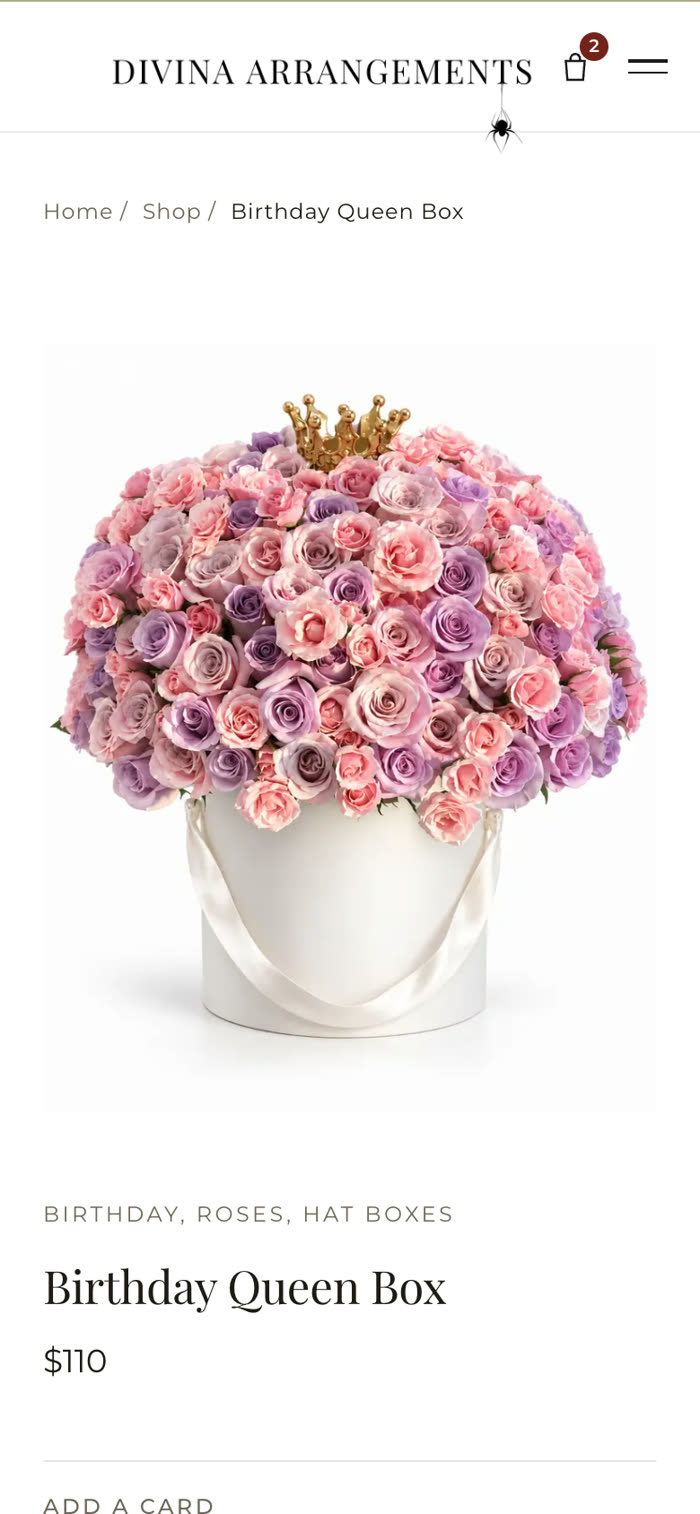
The Studio runs
the whole business.
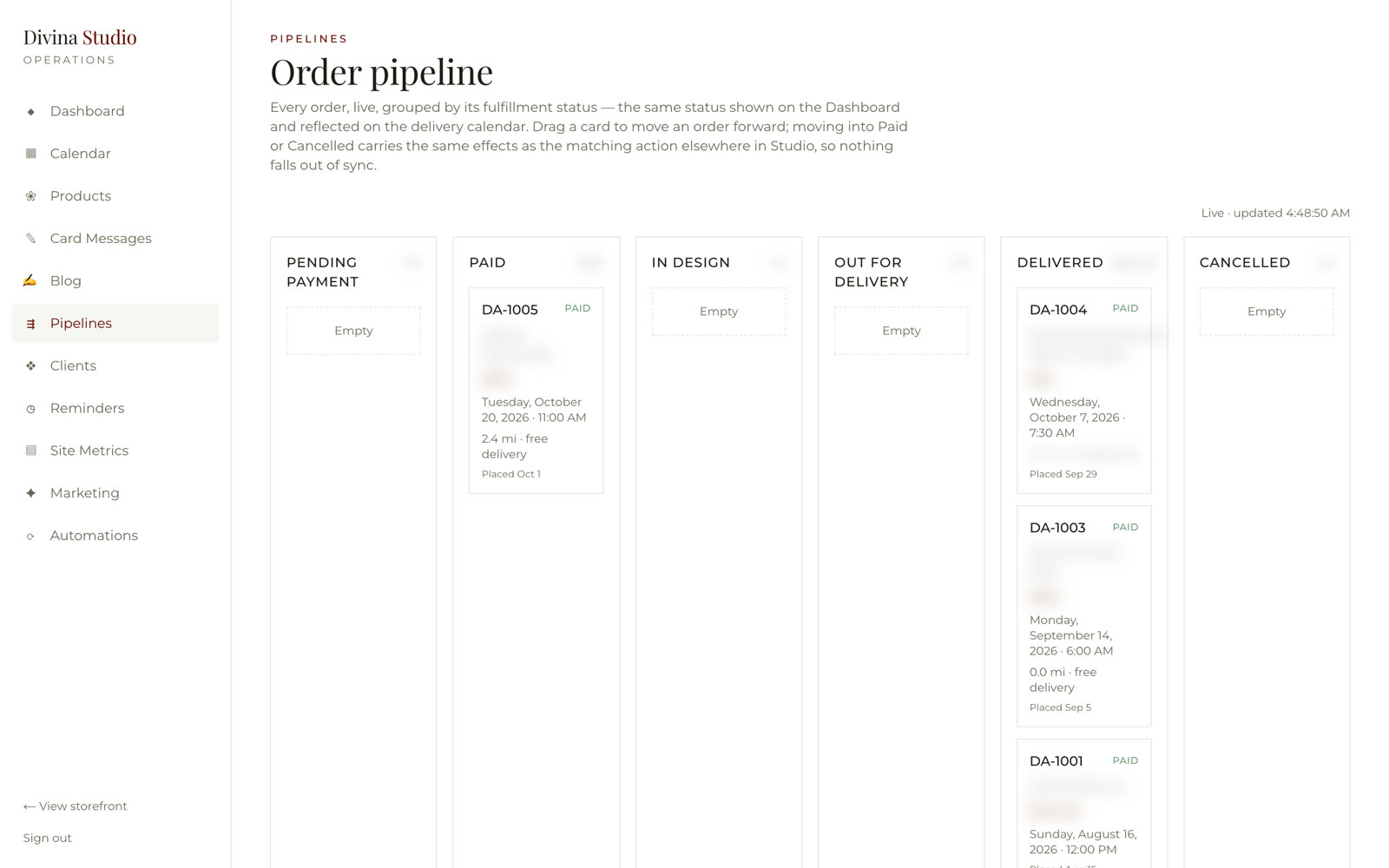
Every order live on a pipeline — pending payment, paid, in design, out for delivery, delivered — with the delivery address, the mileage and the delivery fee on the card. Drag a card to move an order forward; the same status shows on the dashboard and the delivery calendar.
Eleven rooms,
no code required.
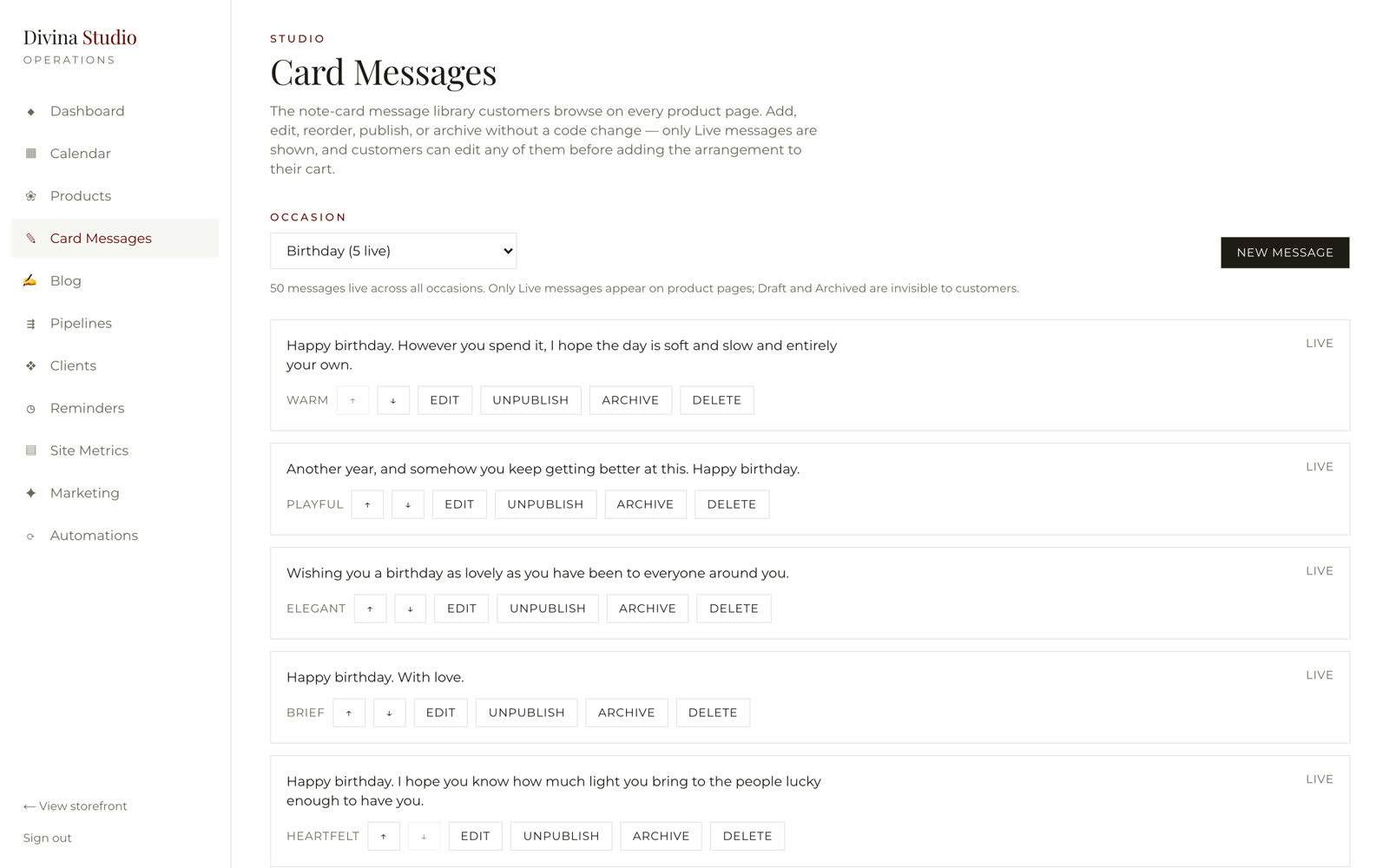
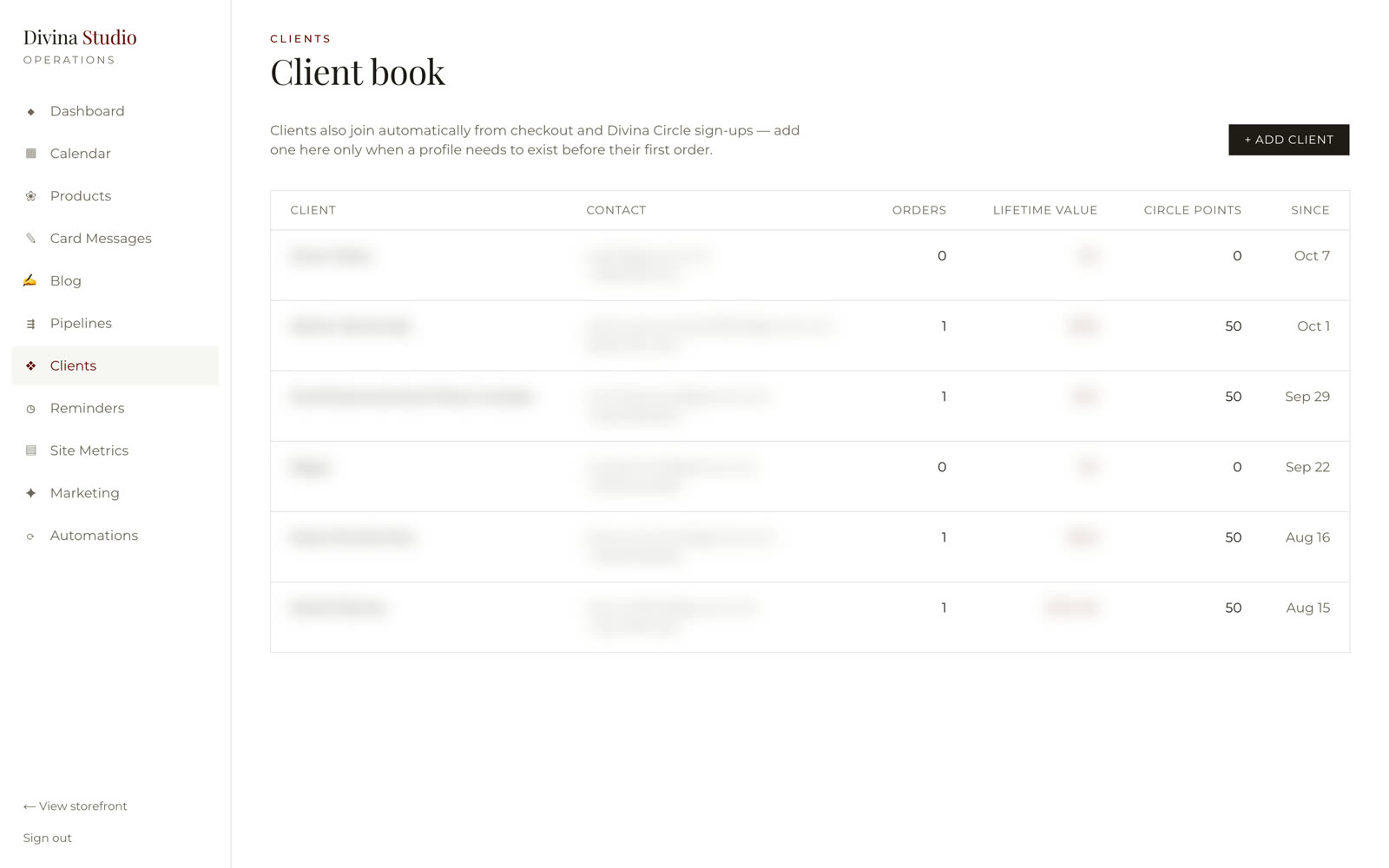
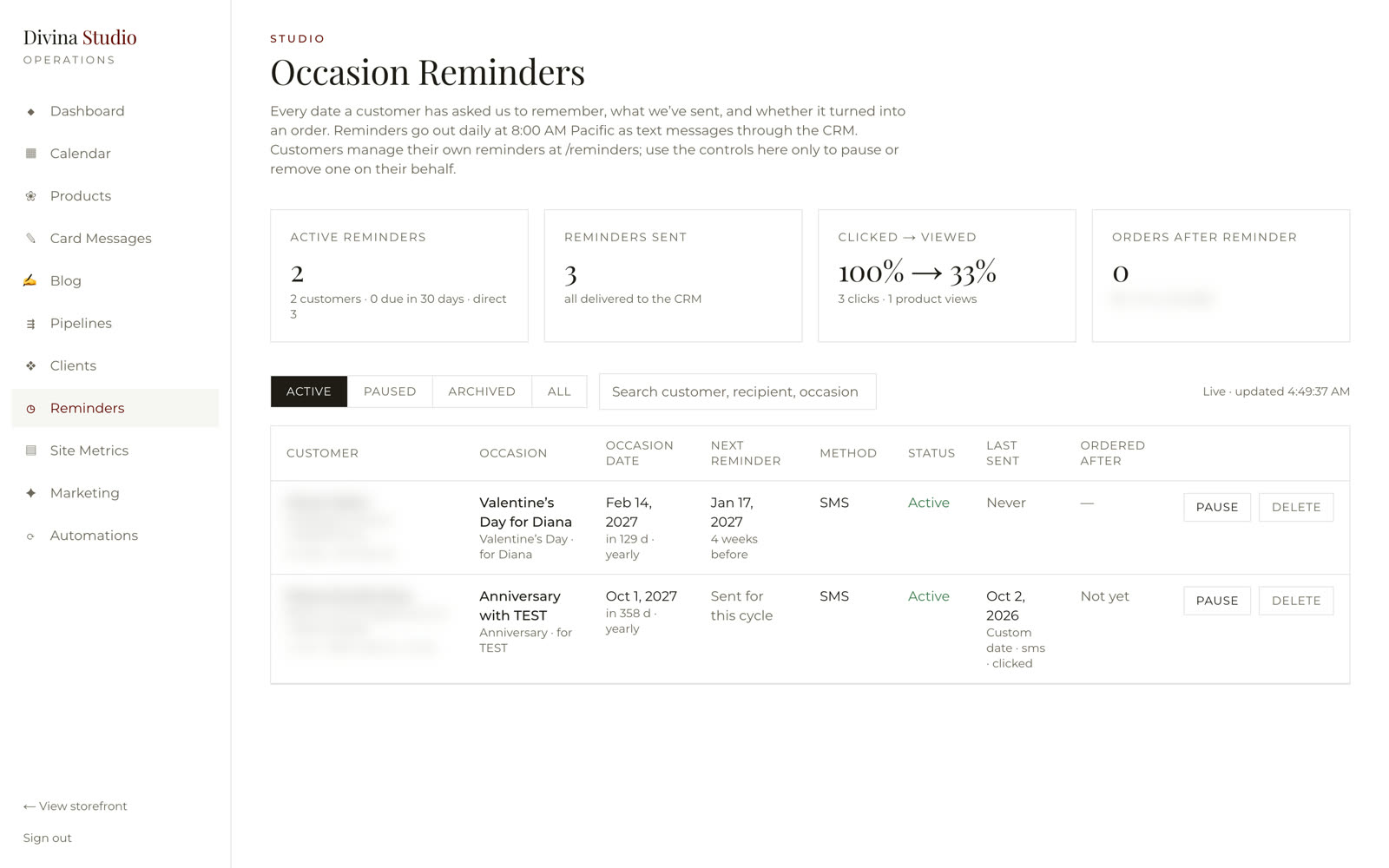
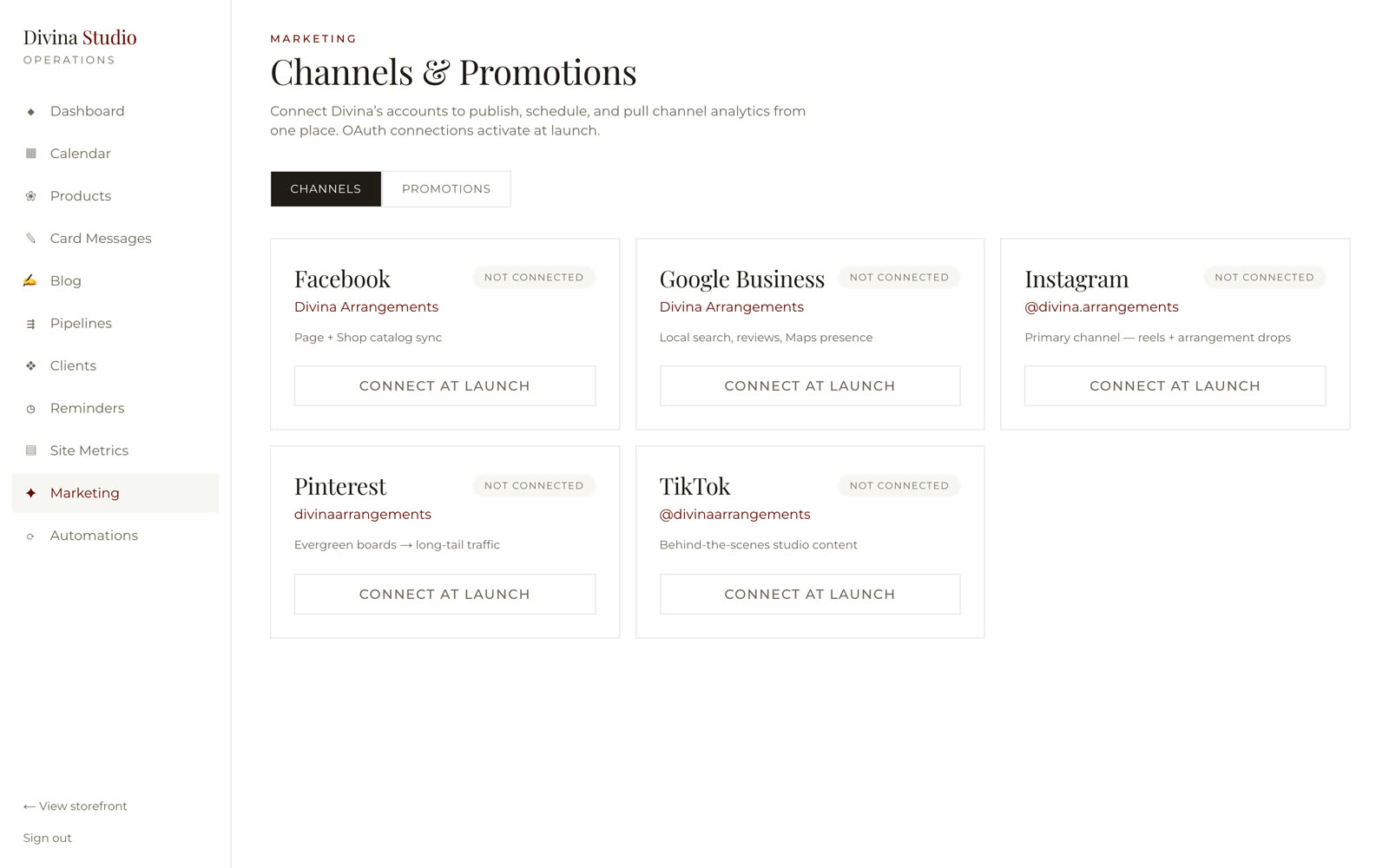
Dashboard, delivery calendar, products, card messages, blog, pipeline, clients, reminders, site metrics, marketing channels and automations — the owner publishes a product, edits a card message or pauses a reminder herself.
The slots checkout
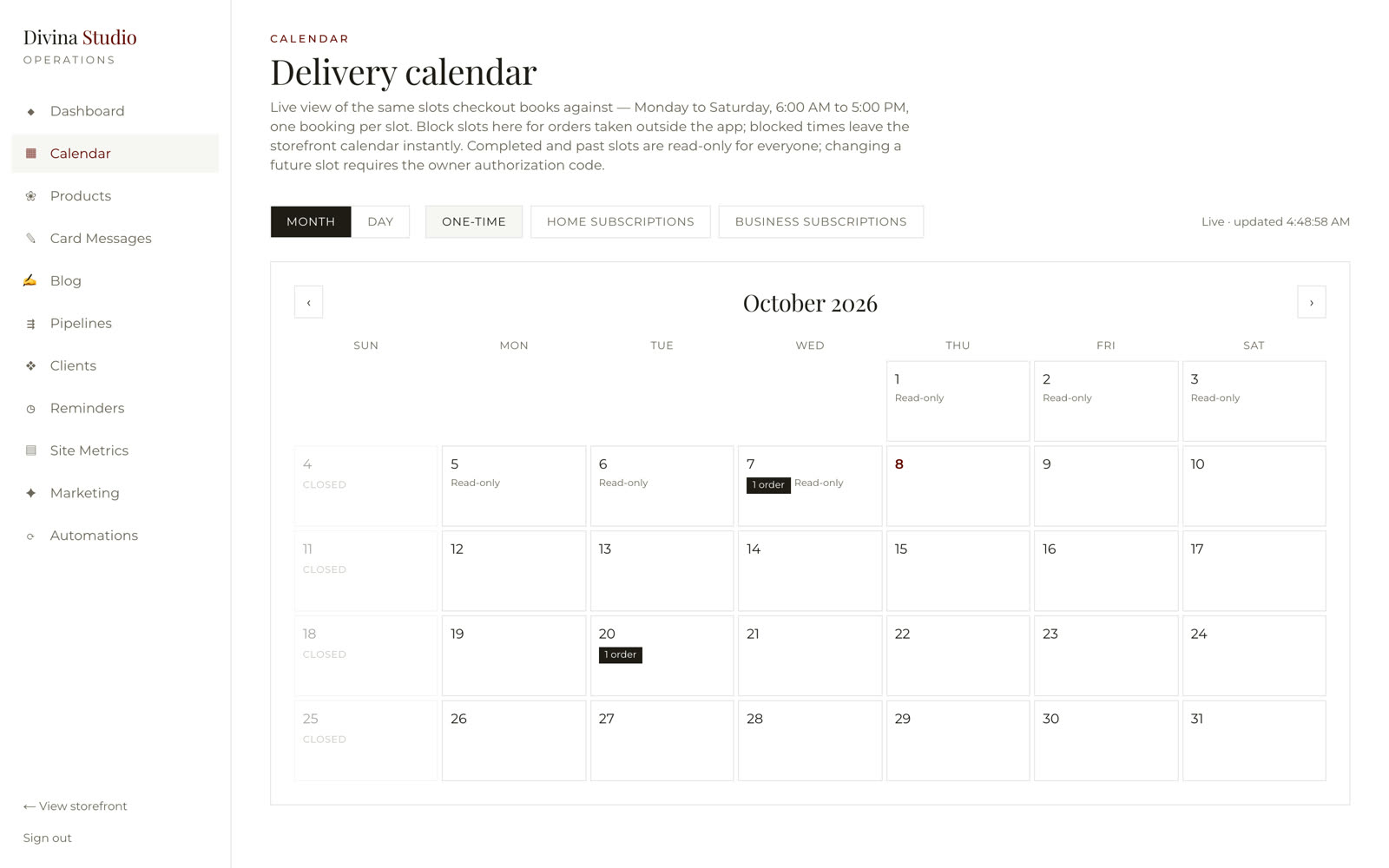
books against.
Monday to Saturday, six to five, one booking per slot — the same calendar the storefront offers at checkout. Block a slot for an order taken outside the app and it leaves the storefront instantly; past slots are read-only; home and business subscriptions have their own views.
Was a double-booked Saturday → now one calendar, shared with checkoutPublish an arrangement
in a minute.
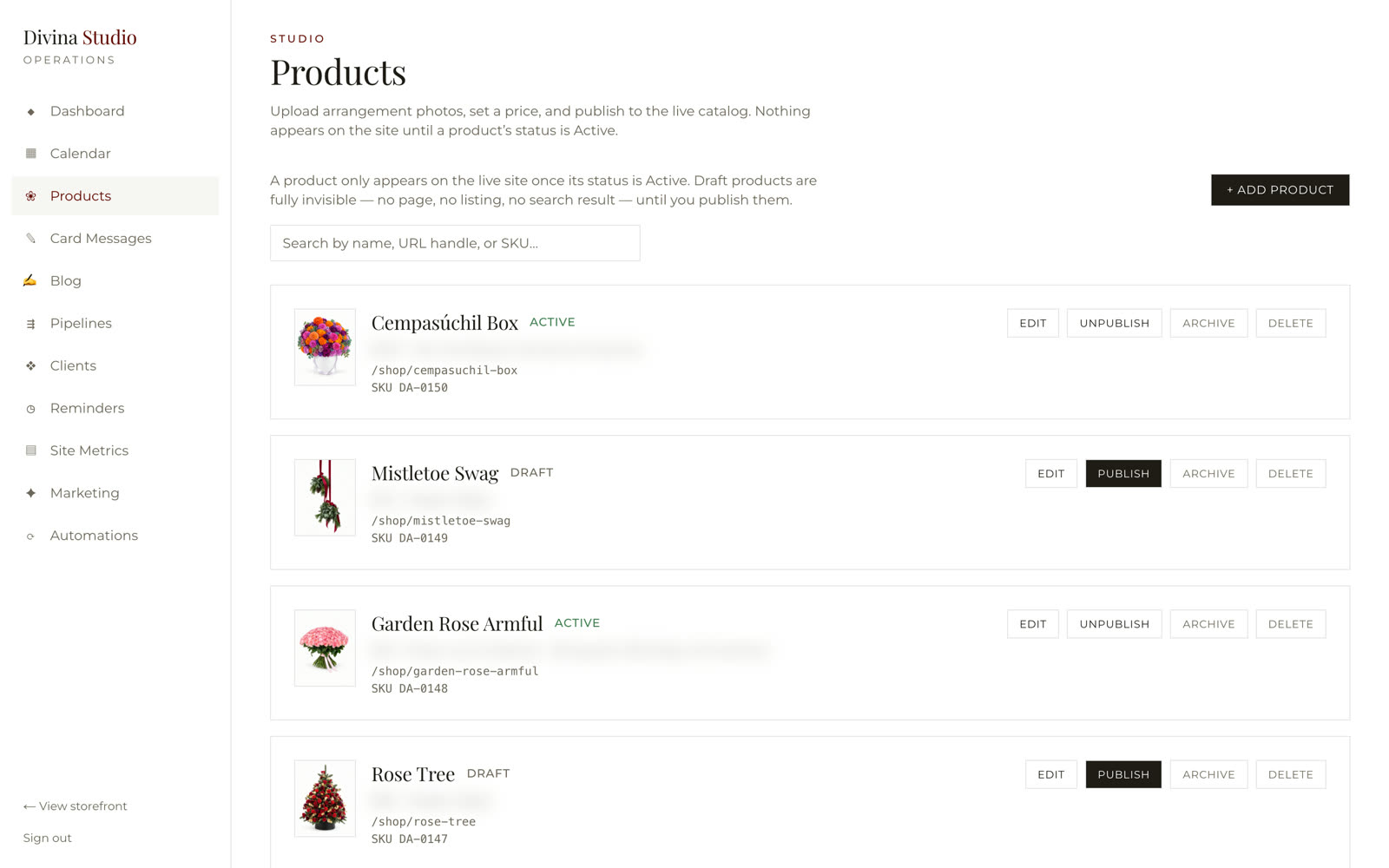
Upload the photo, set the price and the collections, publish. A draft is invisible everywhere until it is active; an archived product keeps its history. The storefront revalidates on save, so the catalog is live the moment the button is pressed.
Was asking the developer → now the owner publishesFifty messages,
every occasion.
The note-card library customers choose from on every product page — warm, playful, elegant, brief, heartfelt — edited, reordered, published or archived here without a code change. Only live messages show; customers can still write their own.
Was a blank card → now a library the florist curatesThe texts that
send themselves.
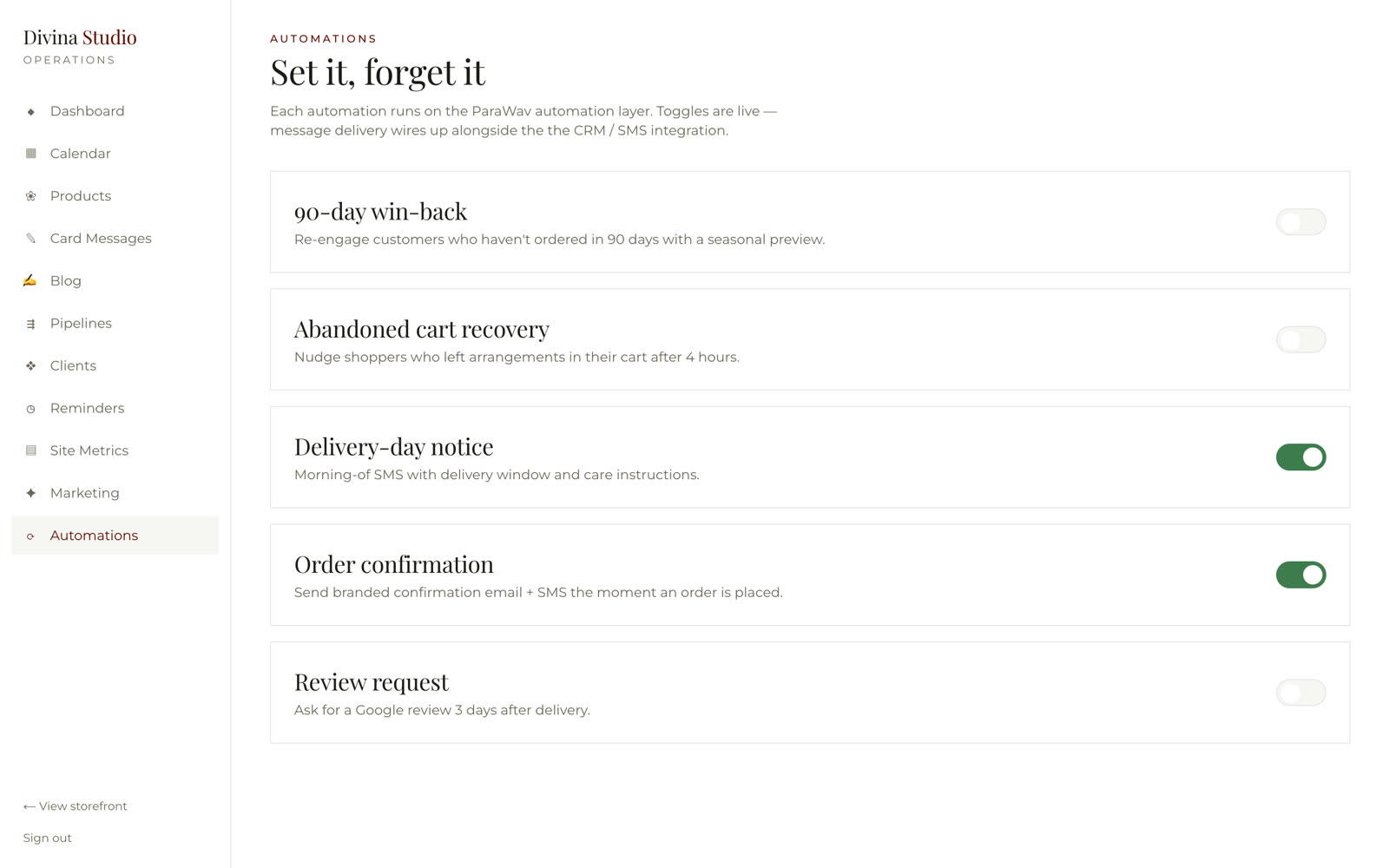
Every occasion reminder a customer set — what was sent, whether it was clicked, whether it turned into an order. Alongside it, the automations the studio can switch on in one toggle: order confirmation, delivery-day notice, abandoned-cart recovery, a ninety-day win-back, a review request three days after delivery.
Was a reminder on the owner's phone → now a system that texts, and reportsFirst-party numbers,
no tag manager.
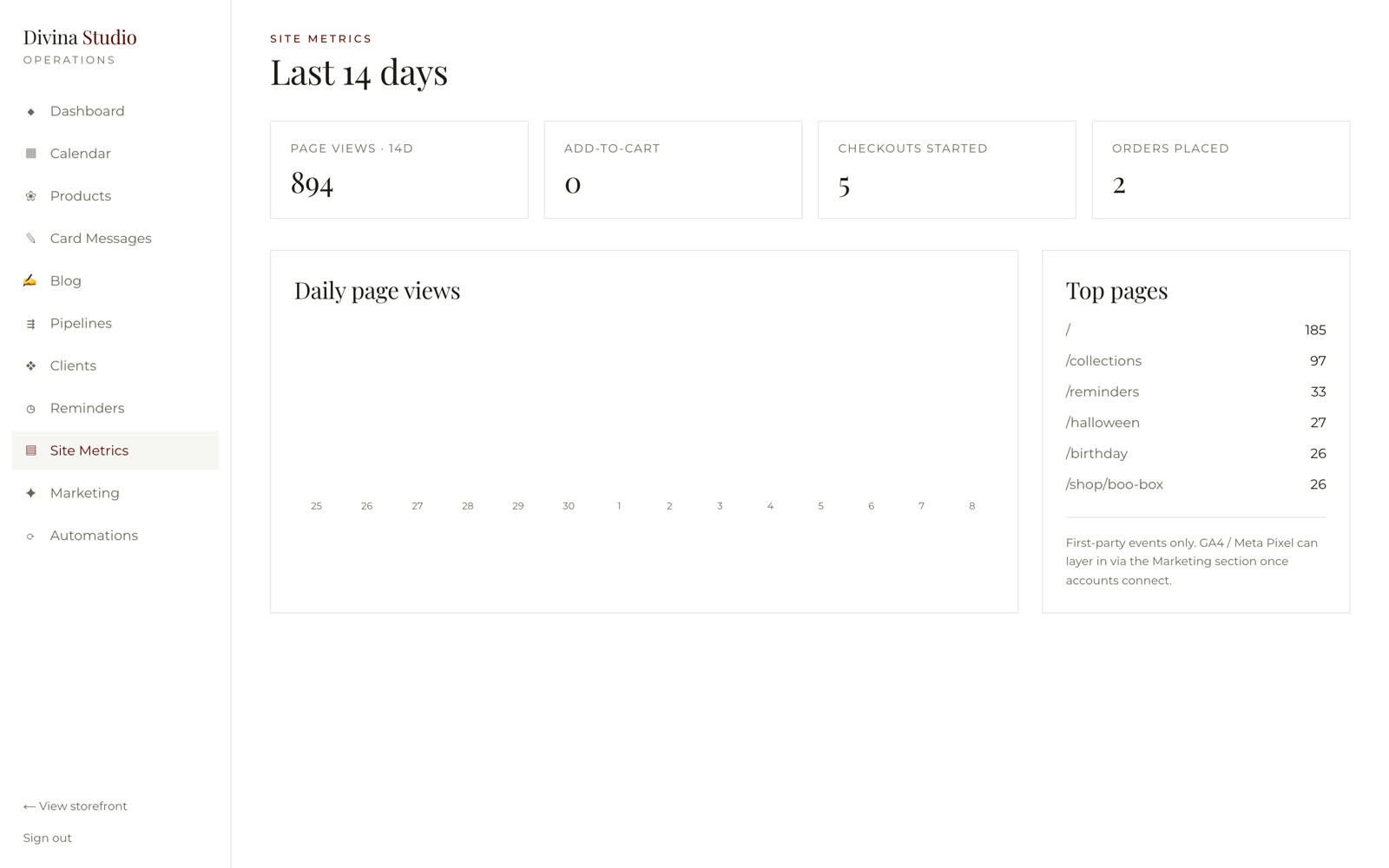
Page views, add-to-cart, checkouts started and orders placed over the last fourteen days, with the top pages — counted by the site itself. Ad platforms layer in once the marketing accounts connect.
Was guessing what the site does → now the funnel on one screenher own design
no code required
book the reorder
delivery slot
Your shop deserves
a studio behind it.
Walk us through how an order reaches you today and what happens after. We'll show you the storefront and the back office that should be running instead.
Book a Process Automation Audit Every screen above is the real product. Founder-engineered by ParaWav AI · Not a template. Not duct-tape.